Young Couple With Roses in a Sunny Park
About this prompt
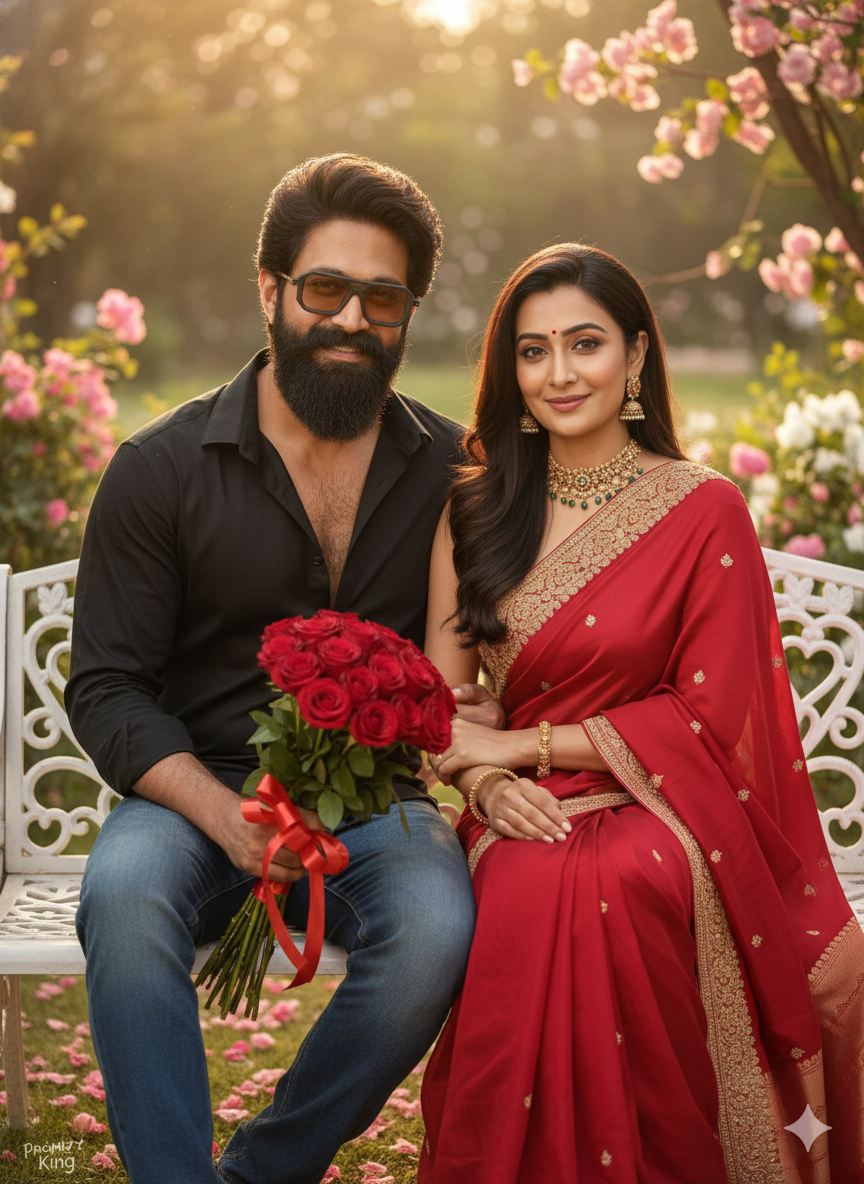
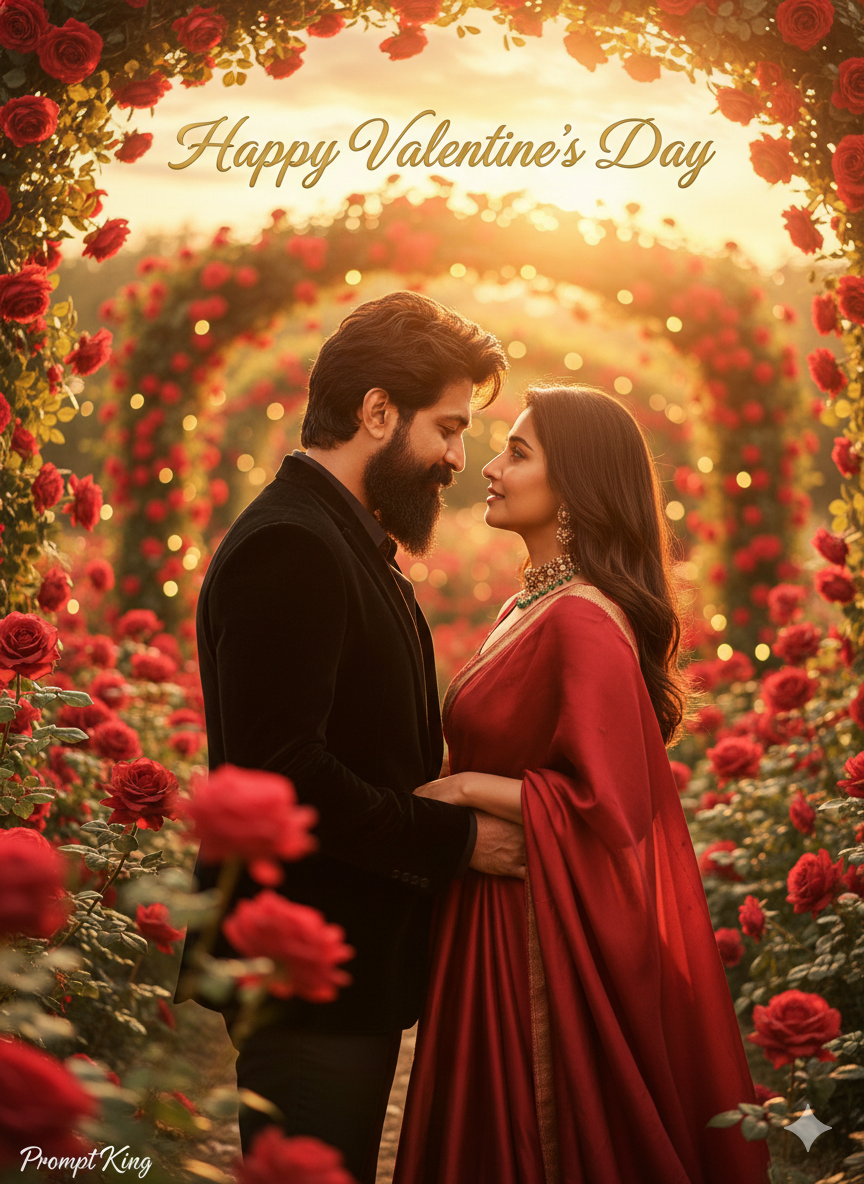
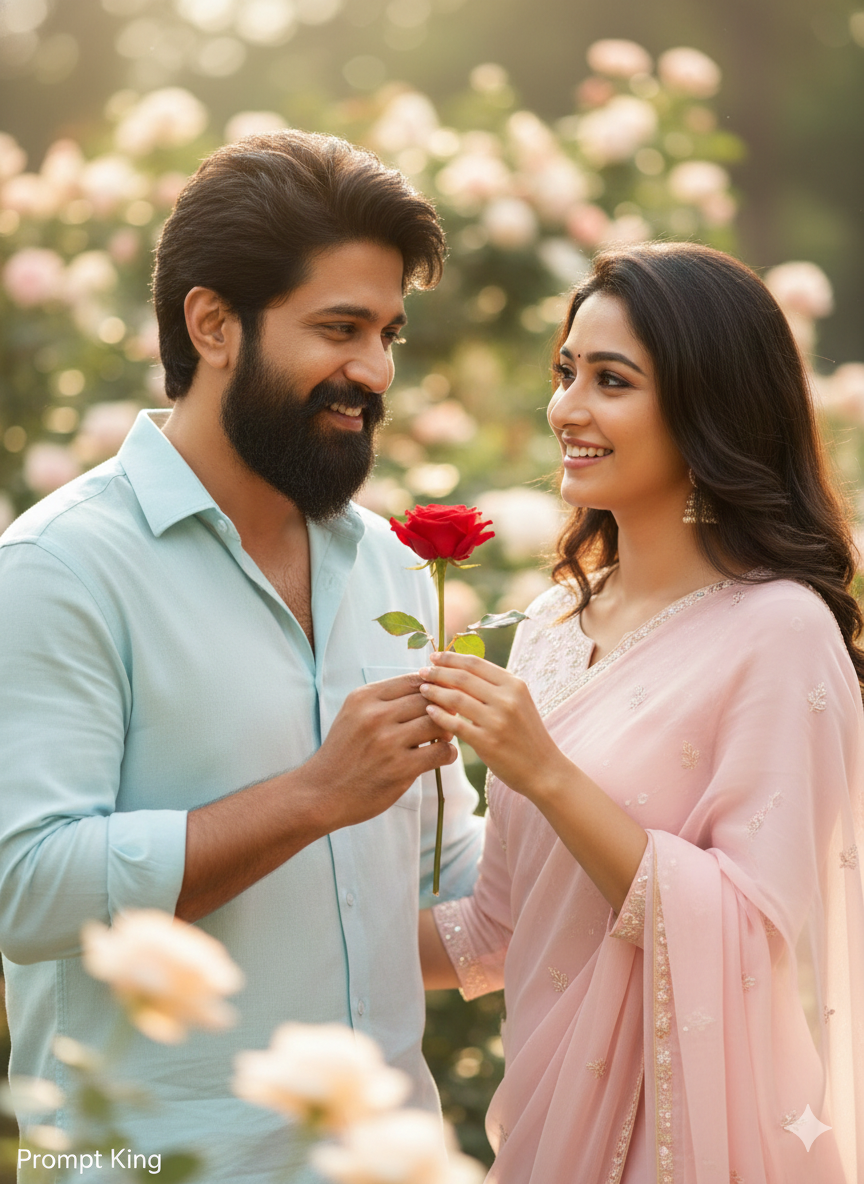
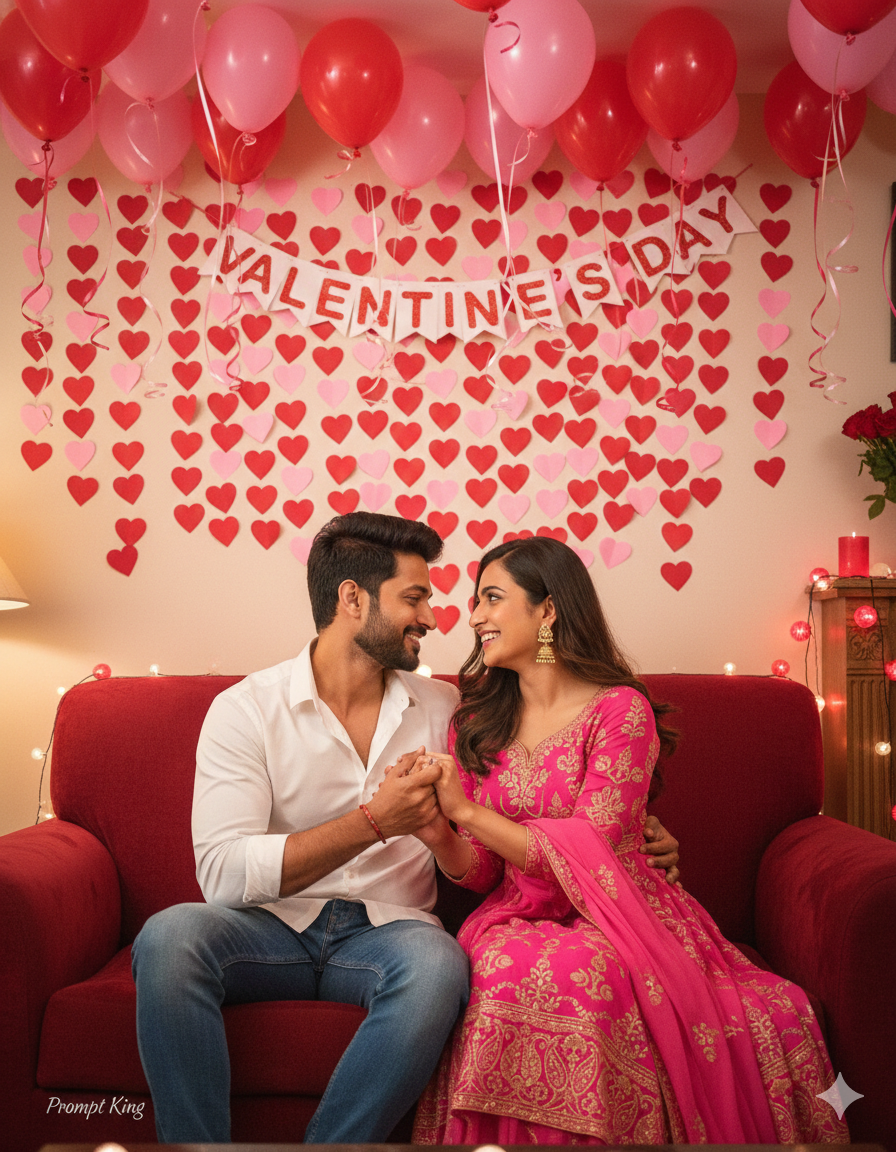
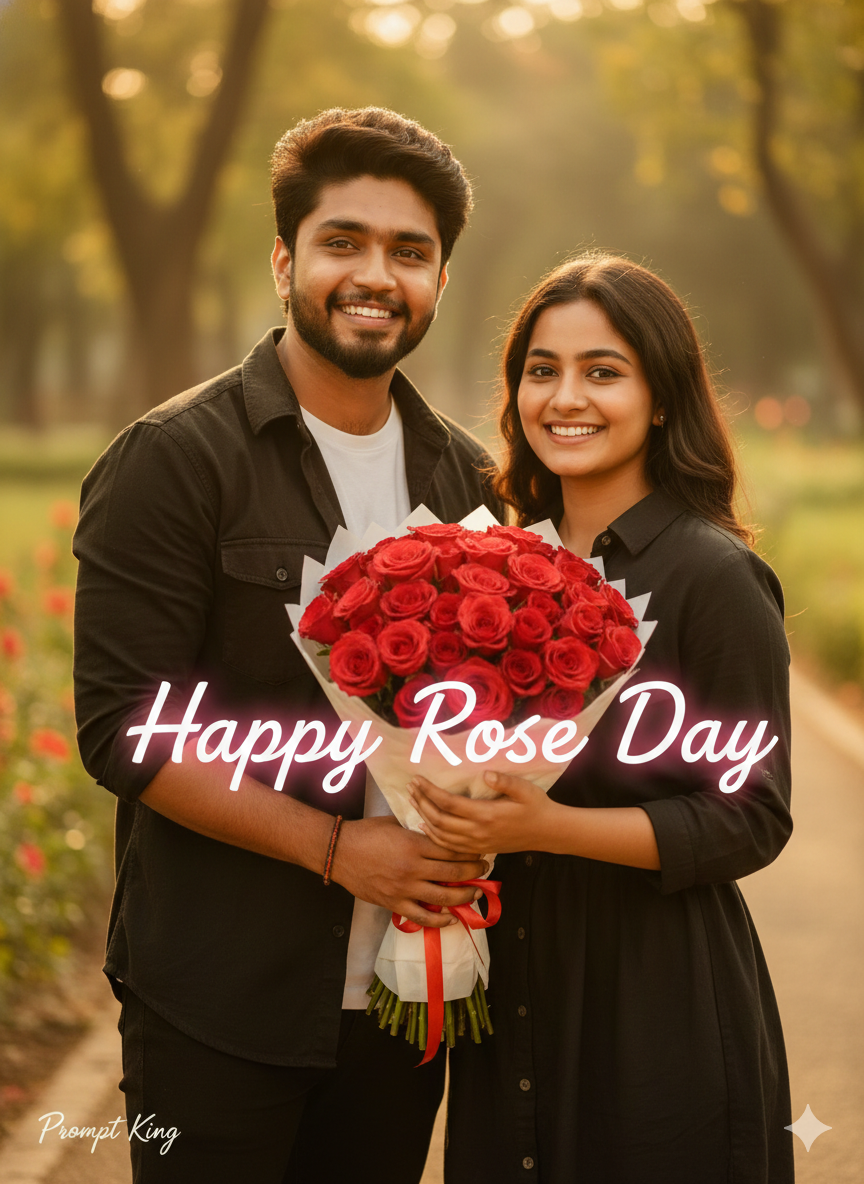
This prompt creates a cheerful, realistic Rose Day celebration photo of a young couple around 20 years old. The pair stand happily together in an outdoor park, holding a bouquet of red roses and smiling with confidence. Warm sunlight falls across the scene, producing realistic shadows and natural textures on skin, clothing and petals. Cinematic colour grading adds a slightly polished, film-like tone without making the picture look artificial. The words 'Happy Rose Day' glow softly in a romantic font, so the final image works as a greeting as well as a portrait. The frame is set to a vertical 9:16 ratio, suited to phone screens, social media stories and messaging app status, and the prompt asks for close facial matching with the reference photo. This style suits college couples and young partners looking for a simple, bright and friendly image for Rose Day on 7 February or other days of Valentine's week. It feels relaxed and wholesome rather than formal or dramatic. A reference photo of both people standing side by side in daylight will give the most accurate and natural-looking result, especially if both faces are turned towards the camera.
Lighting, colour and composition
Warm, direct sunlight creates natural shadows and a bright, cheerful tone. Park greens and blue sky contrast with the vivid red bouquet. A vertical 9:16 composition frames the couple from mid-thigh up, side by side, with soft background blur and glowing greeting text placed above their heads.
Ways to make it your own
- Ask for a picnic blanket on the grass for a more relaxed date setting.
- Change the glowing text colour to gold or white to suit your outfit colours.
- Switch to a 4:5 crop for a social media feed post instead of stories.
Best for
Valentine's day photo ideas and creative portrait inspiration.
Suggested framing
Use 9:16 portrait framing as described in the prompt, or adapt to 4:5 for feed posts.
Customization ideas
Adjust the clothing, background, lighting, colors and composition to match your own idea.
How to use
Copy the prompt, adapt it to your idea, and paste it into your preferred compatible AI tool. Follow that tool’s instructions for reference photos.
A few helpful answers.
What type of image does this prompt create?
In a compatible AI tool, this prompt is intended as a starting point for this prompt creates a cheerful, realistic Rose Day celebration photo of a young couple around 20 years old. The pair stand happily together in an outdoor park, holding a bouquet of red roses and smiling with confidence. Warm sunlight falls across the scene, producing realistic shadows and natural textures on skin, clothing and petals. Cinematic colour grading adds a slightly polished, film-like tone without making the picture look artificial. The words 'Happy Rose Day' glow softly in a romantic font, so the final image works as a greeting as well as a portrait. The frame is set to a vertical 9:16 ratio, suited to phone screens, social media stories and messaging app status, and the prompt asks for close facial matching with the reference photo. This style suits college couples and young partners looking for a simple, bright and friendly image for Rose Day on 7 February or other days of Valentine's week. It feels relaxed and wholesome rather than formal or dramatic. A reference photo of both people standing side by side in daylight will give the most accurate and natural-looking result, especially if both faces are turned towards the camera. Results depend on the tool, settings and references you use.
Can I customize the clothing or background?
Yes. Replace the clothing, setting or colors in the prompt with your own choices. Keep descriptions consistent and adjust one detail at a time.
What aspect ratio works best?
Start with Use 9:16 portrait framing as described in the prompt, or adapt to 4:5 for feed posts.. A 4:5 ratio works well for a portrait feed post. Adjust the crop for your intended platform and your tool’s available settings.
Does Prompt King generate the image?
No. Prompt King helps users discover and copy prompts that can be used with compatible AI tools.
Can I use this for social media ideas?
Yes. Use it as creative inspiration and customize the result for your audience. Use photos you have permission to upload, and check your chosen tool’s terms before publishing.