Rose Garden Sunset Couple in Velvet and Silk
About this prompt
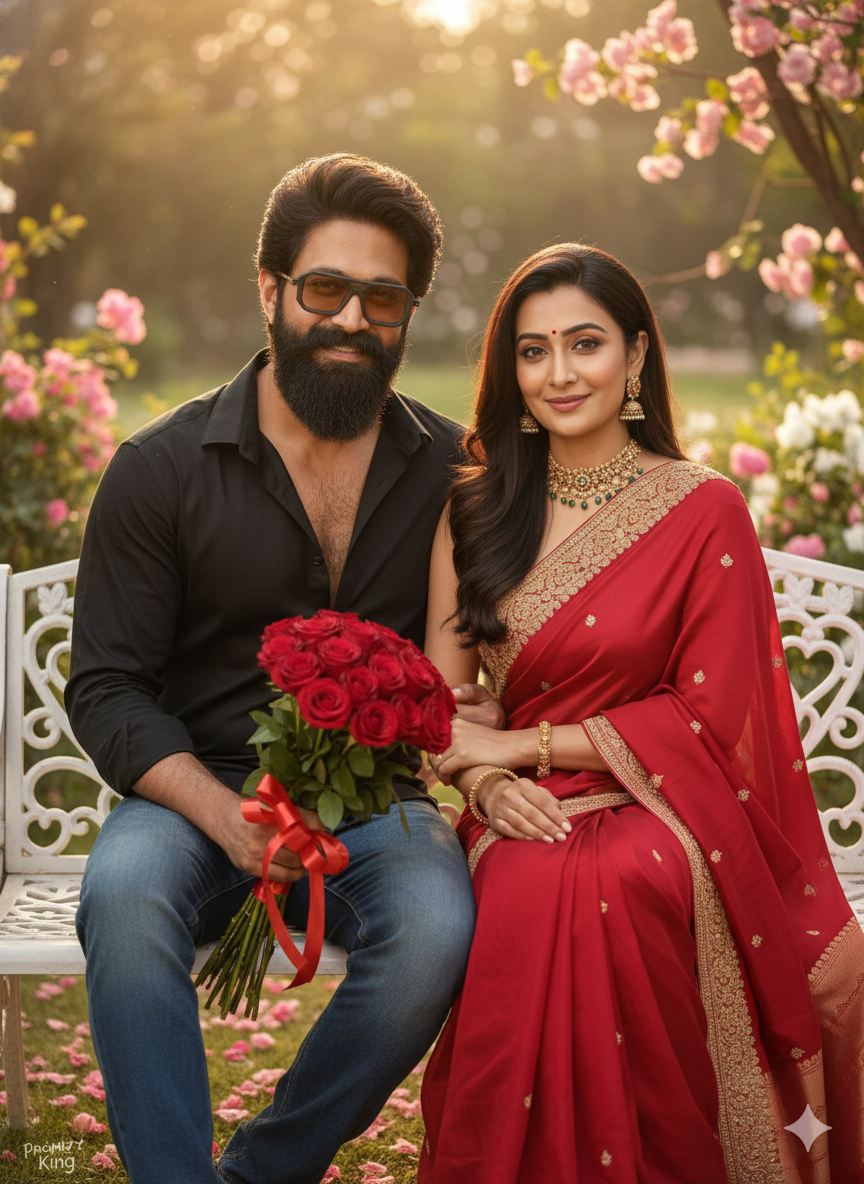
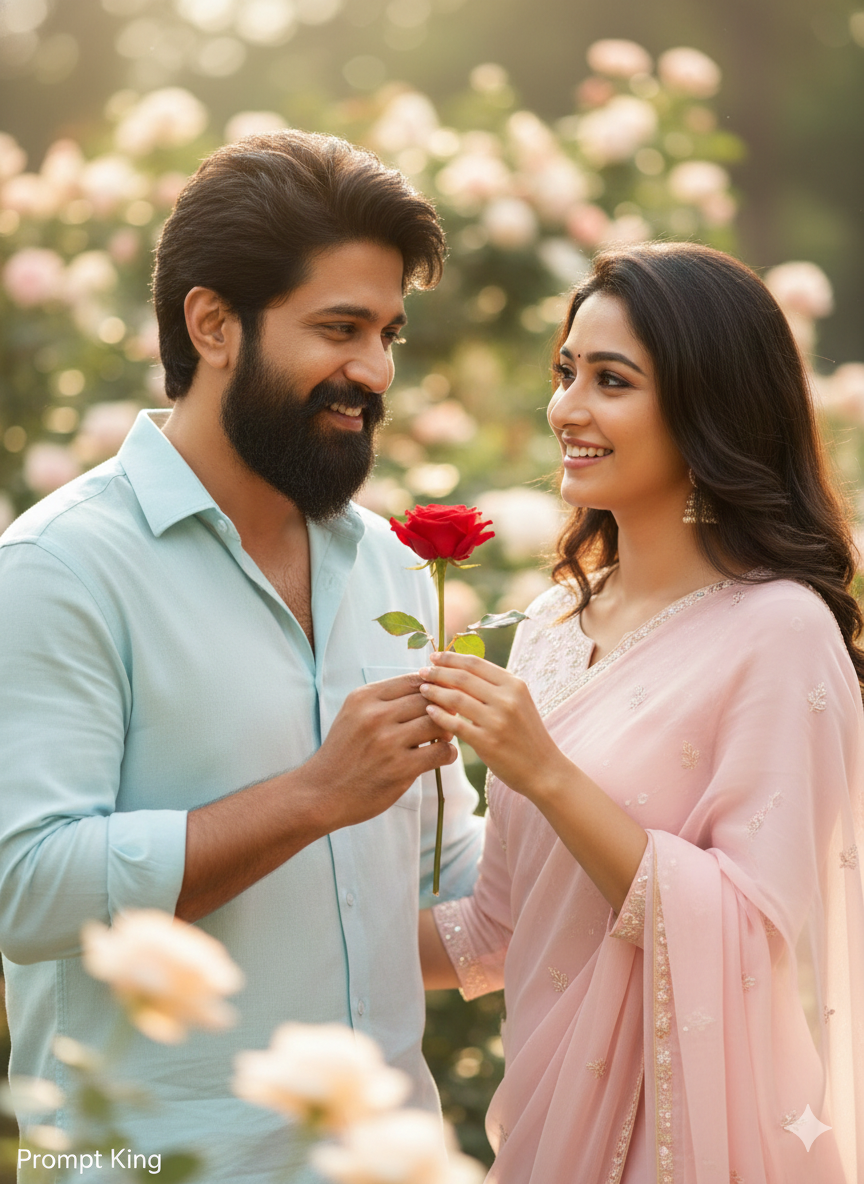
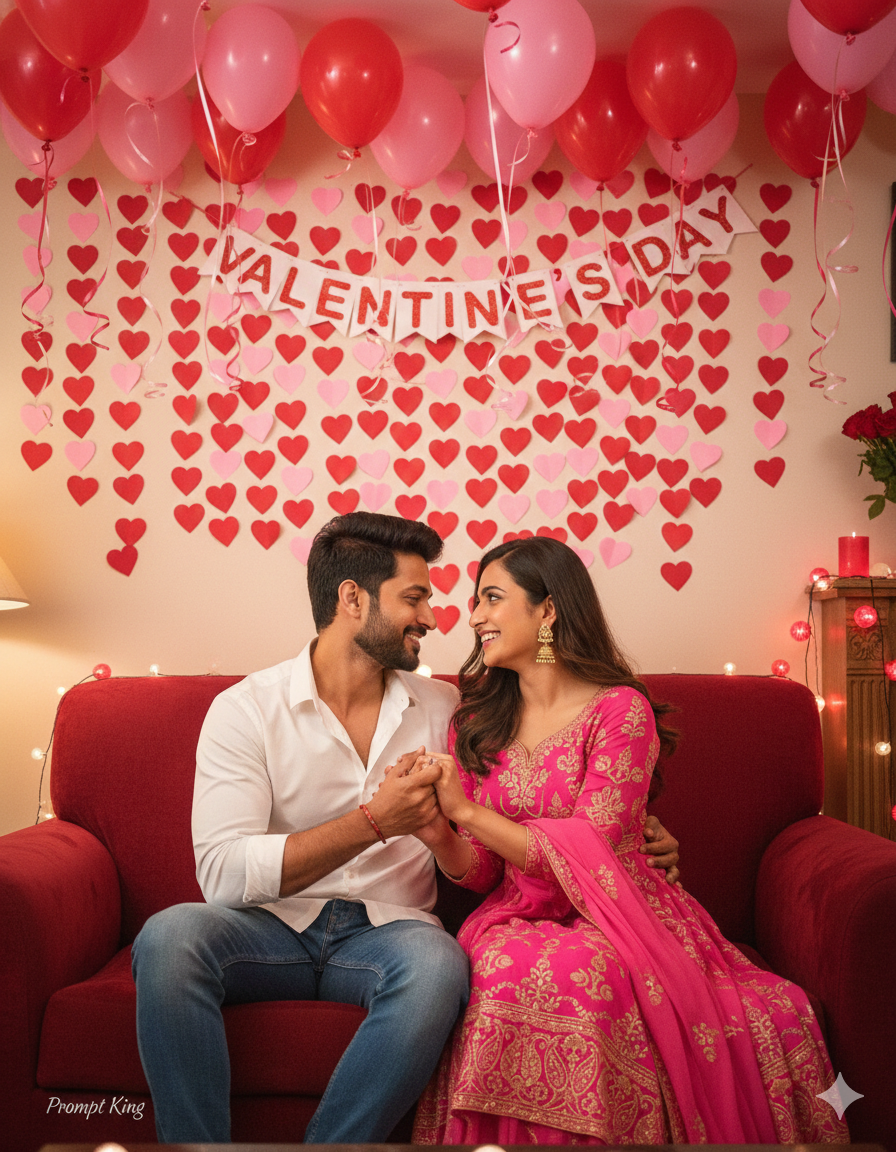
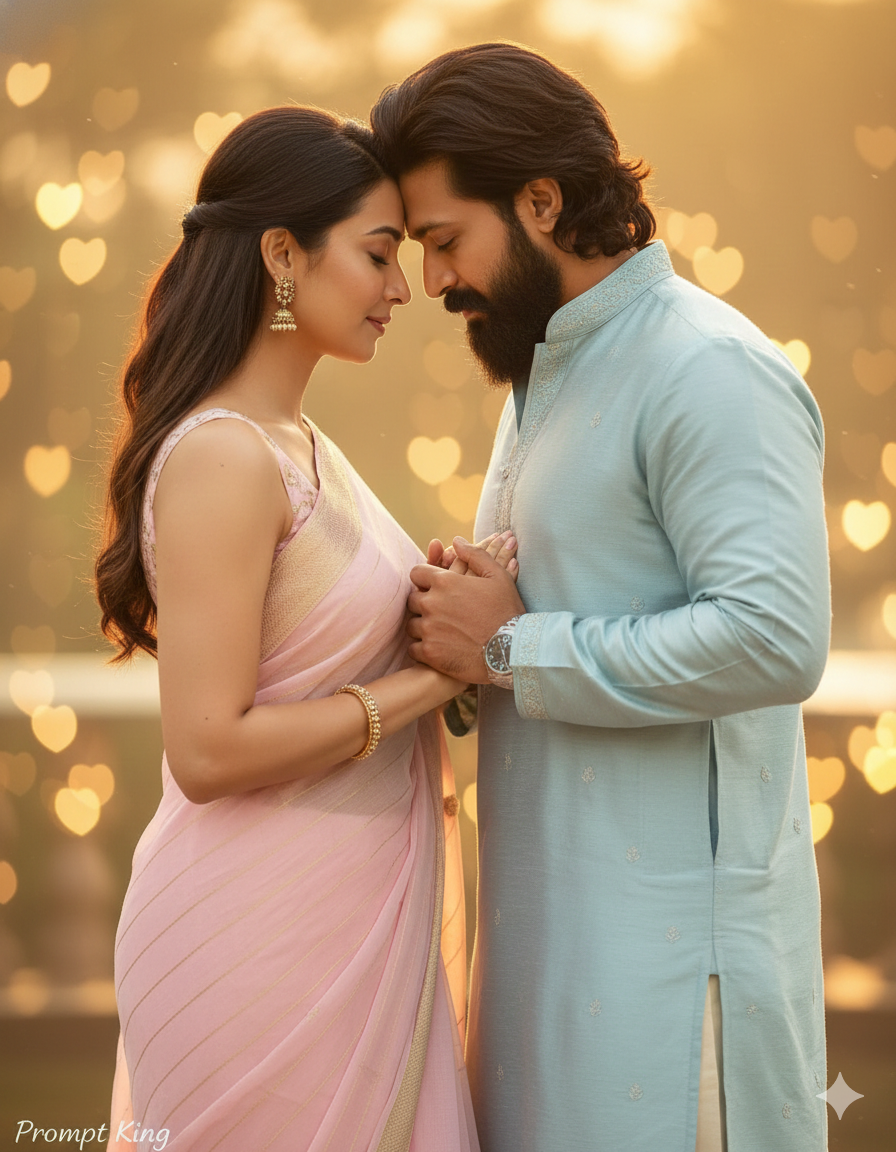
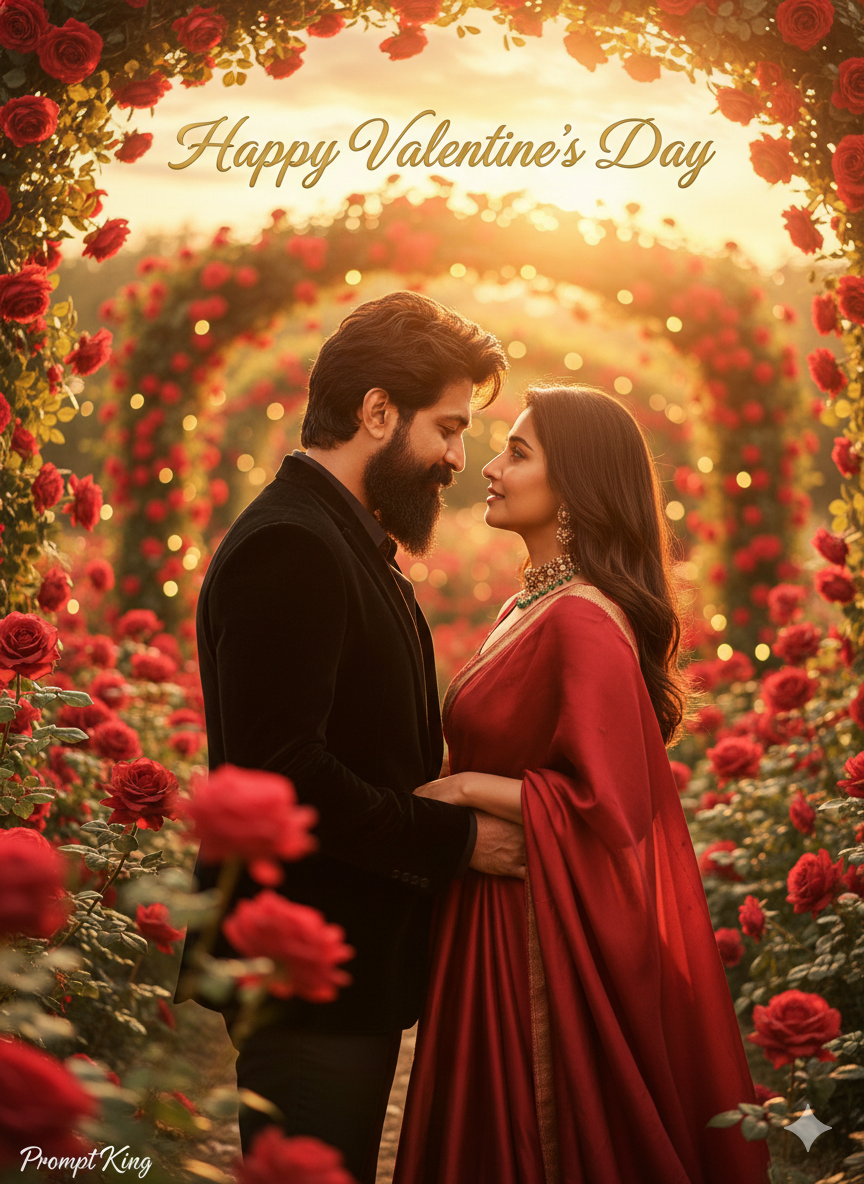
This prompt transforms your uploaded couple photo into a cinematic scene in a blooming red rose garden at golden-hour sunset. The pose is changed to a close, facing posture with a gentle head tilt and soft romantic expressions. The man wears a black velvet blazer and the woman wears a flowing red silk gown, a polished pairing that feels like a film poster. Warm sunset bokeh and background blur add depth, and floating golden text reading Happy Valentine's Day appears in the scene. The prompt asks to keep both identities accurate while improving lighting, posture and styling. The rich red roses, red gown and golden light create a strong romantic colour theme. This is a good option for couples who want a dressed-up, movie-like Valentine's image rather than a casual snapshot. It suits Valentine's Day posts, anniversary greetings, proposal or engagement memories and printed photo gifts. Upload a clear photo where both faces are visible and well lit for the most accurate result.
Lighting, colour and composition
Golden-hour backlight gives warm rim light on hair and shoulders, with soft bokeh from the setting sun. The palette is deep red, black velvet and gold. The couple faces each other in the centre, with roses framing the lower edge and the text floating above.
Ways to make it your own
- Change the text to your names or anniversary date instead of a general greeting.
- Swap the red gown for a blush pink or ivory dress for a softer look.
- Remove the text completely for a clean portrait you can print or frame.
Best for
Valentine's day photo ideas and creative portrait inspiration.
Suggested framing
Use 9:16 portrait framing as described in the prompt, or adapt to 4:5 for feed posts.
Customization ideas
Adjust the clothing, background, lighting, colors and composition to match your own idea.
How to use
Copy the prompt, adapt it to your idea, and paste it into your preferred compatible AI tool. Follow that tool’s instructions for reference photos.
A few helpful answers.
What type of image does this prompt create?
In a compatible AI tool, this prompt is intended as a starting point for this prompt transforms your uploaded couple photo into a cinematic scene in a blooming red rose garden at golden-hour sunset. The pose is changed to a close, facing posture with a gentle head tilt and soft romantic expressions. The man wears a black velvet blazer and the woman wears a flowing red silk gown, a polished pairing that feels like a film poster. Warm sunset bokeh and background blur add depth, and floating golden text reading Happy Valentine's Day appears in the scene. The prompt asks to keep both identities accurate while improving lighting, posture and styling. The rich red roses, red gown and golden light create a strong romantic colour theme. This is a good option for couples who want a dressed-up, movie-like Valentine's image rather than a casual snapshot. It suits Valentine's Day posts, anniversary greetings, proposal or engagement memories and printed photo gifts. Upload a clear photo where both faces are visible and well lit for the most accurate result. Results depend on the tool, settings and references you use.
Can I customize the clothing or background?
Yes. Replace the clothing, setting or colors in the prompt with your own choices. Keep descriptions consistent and adjust one detail at a time.
What aspect ratio works best?
Start with Use 9:16 portrait framing as described in the prompt, or adapt to 4:5 for feed posts.. A 4:5 ratio works well for a portrait feed post. Adjust the crop for your intended platform and your tool’s available settings.
Does Prompt King generate the image?
No. Prompt King helps users discover and copy prompts that can be used with compatible AI tools.
Can I use this for social media ideas?
Yes. Use it as creative inspiration and customize the result for your audience. Use photos you have permission to upload, and check your chosen tool’s terms before publishing.