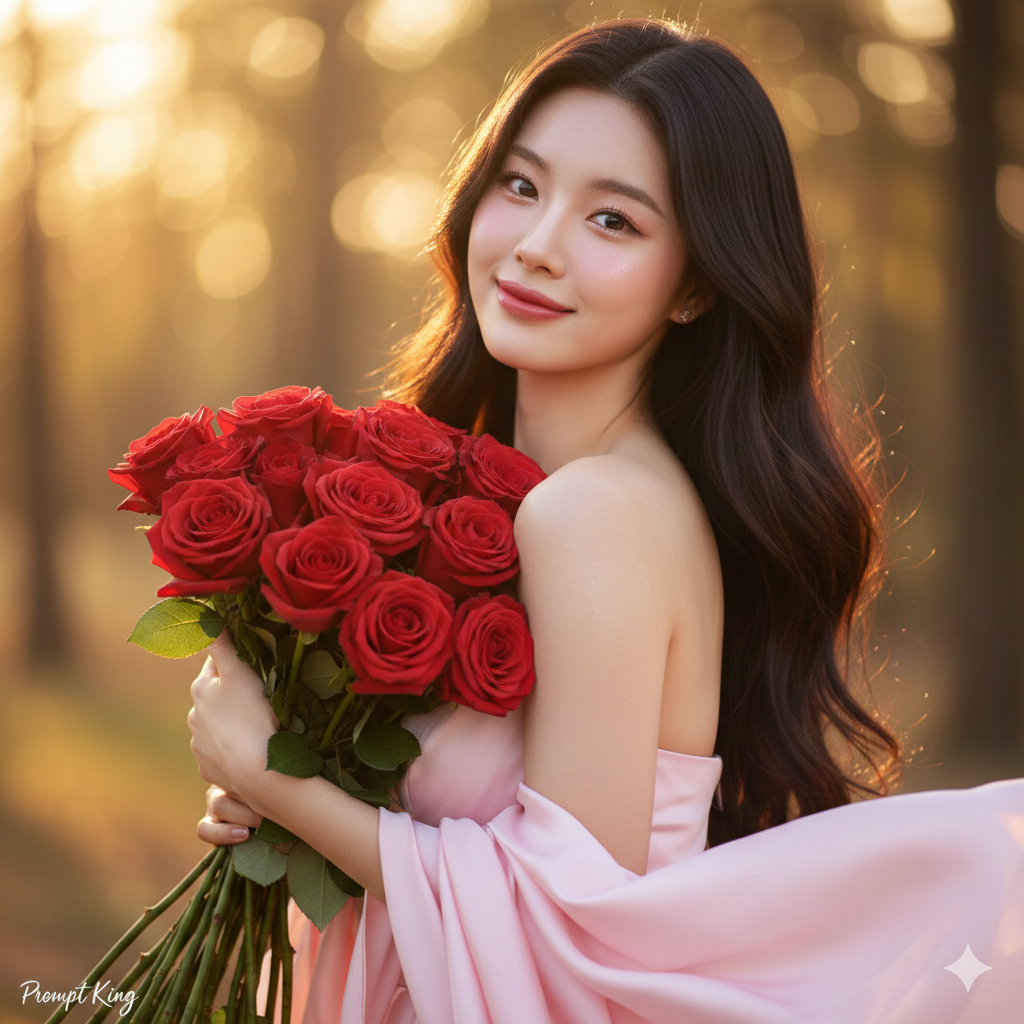
Pink Silk Dress Portrait Holding Red Roses
About this prompt
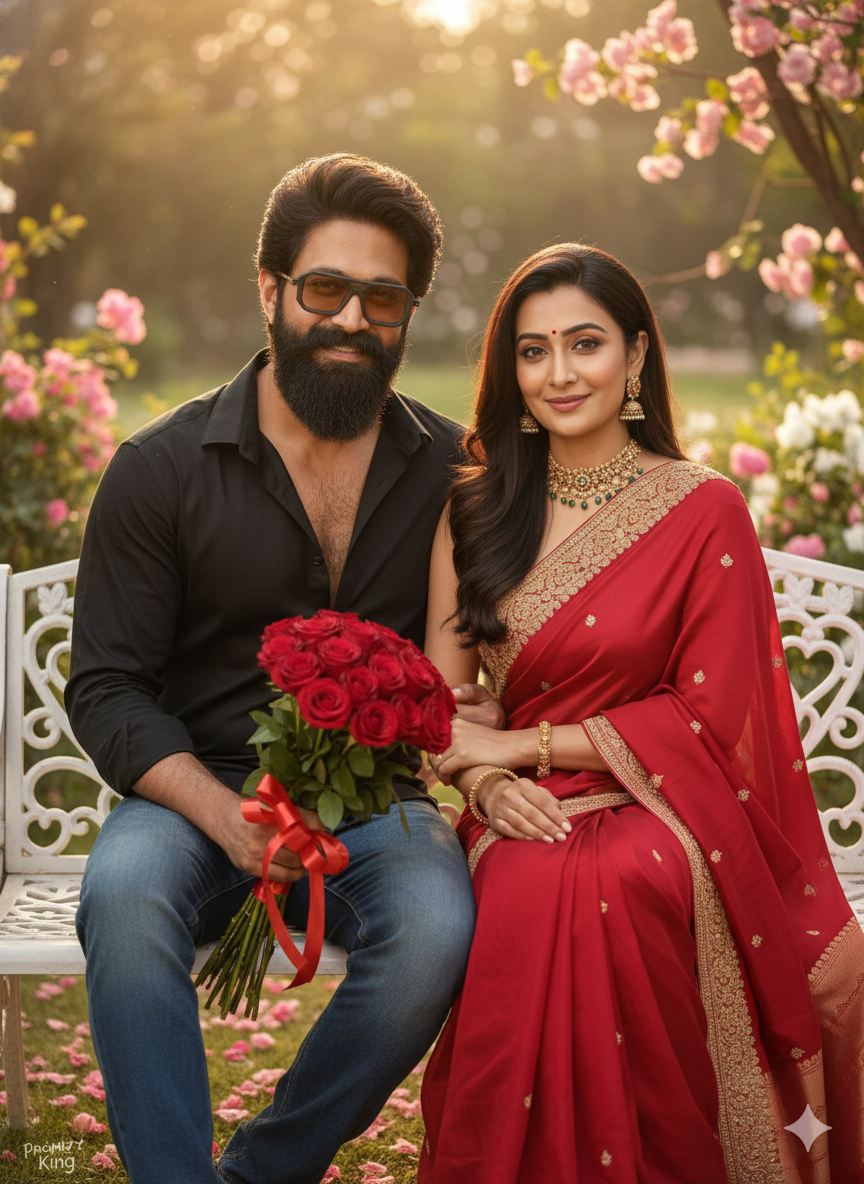
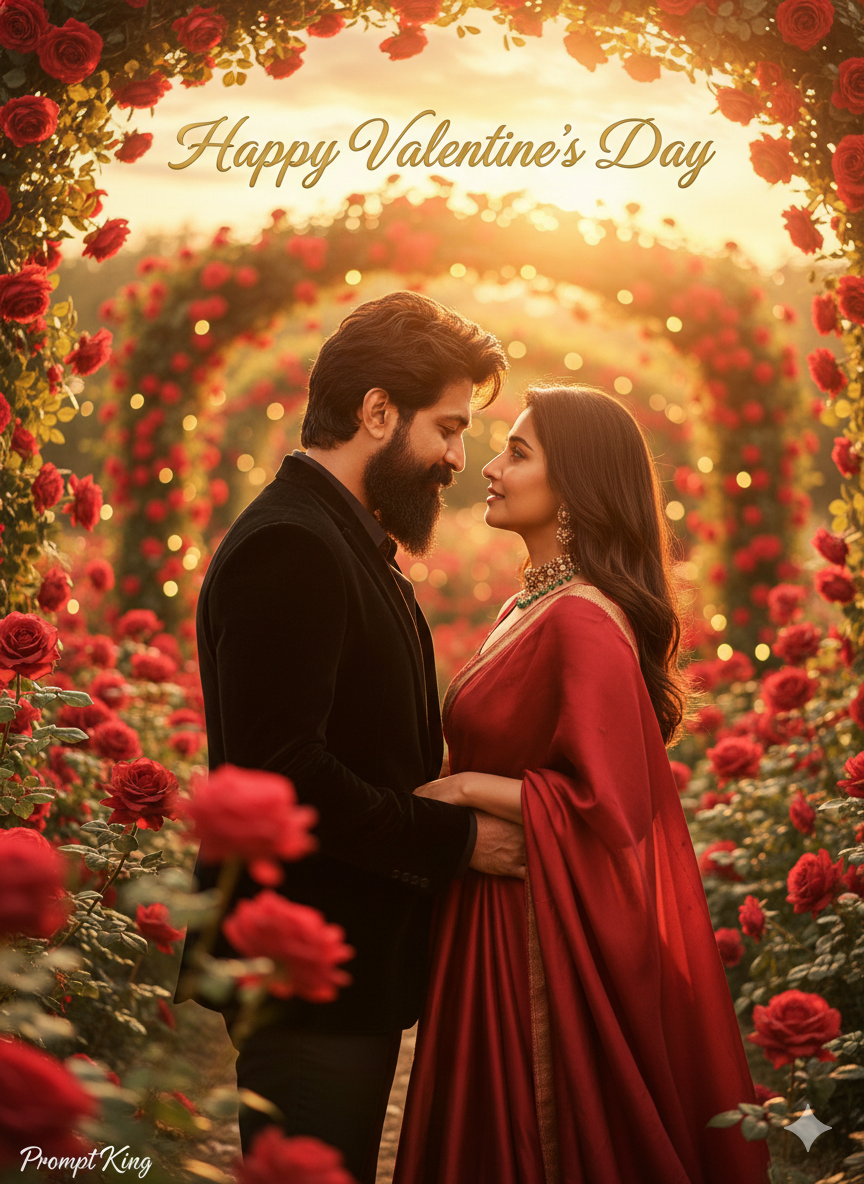
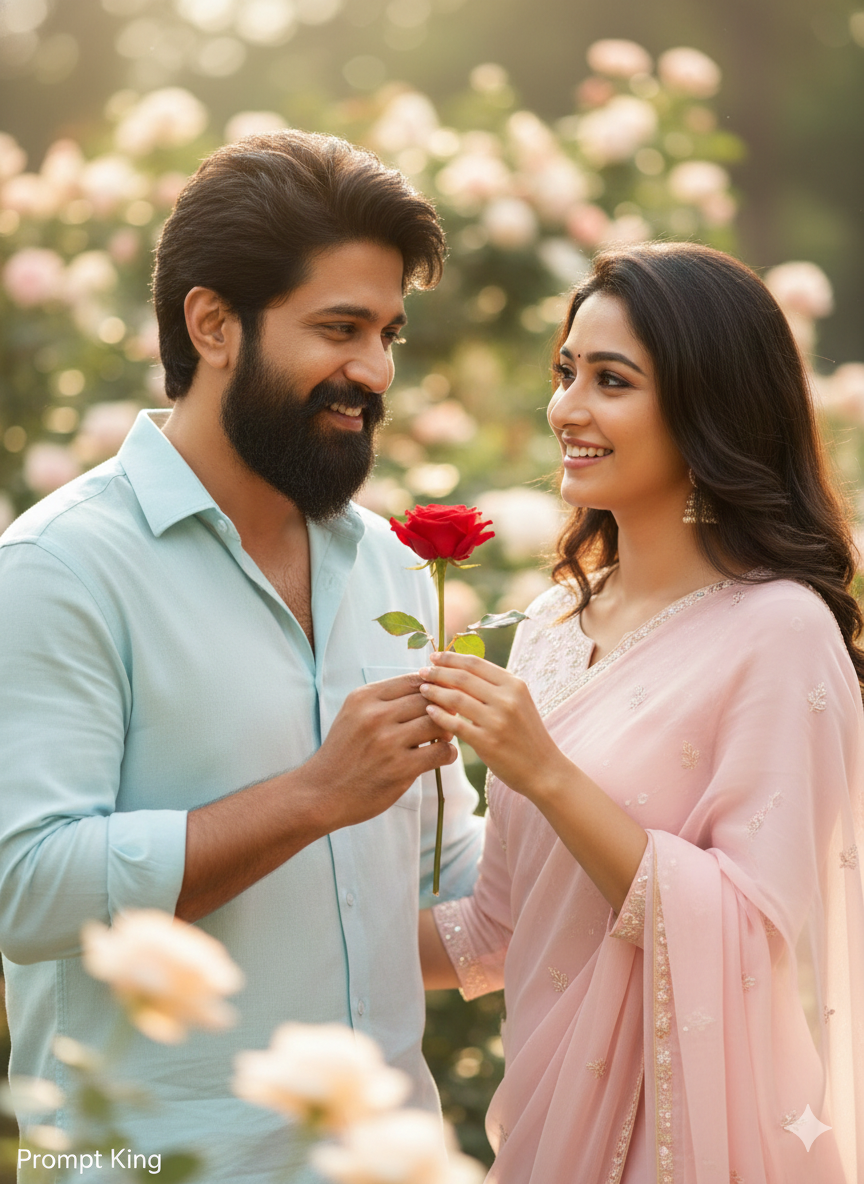
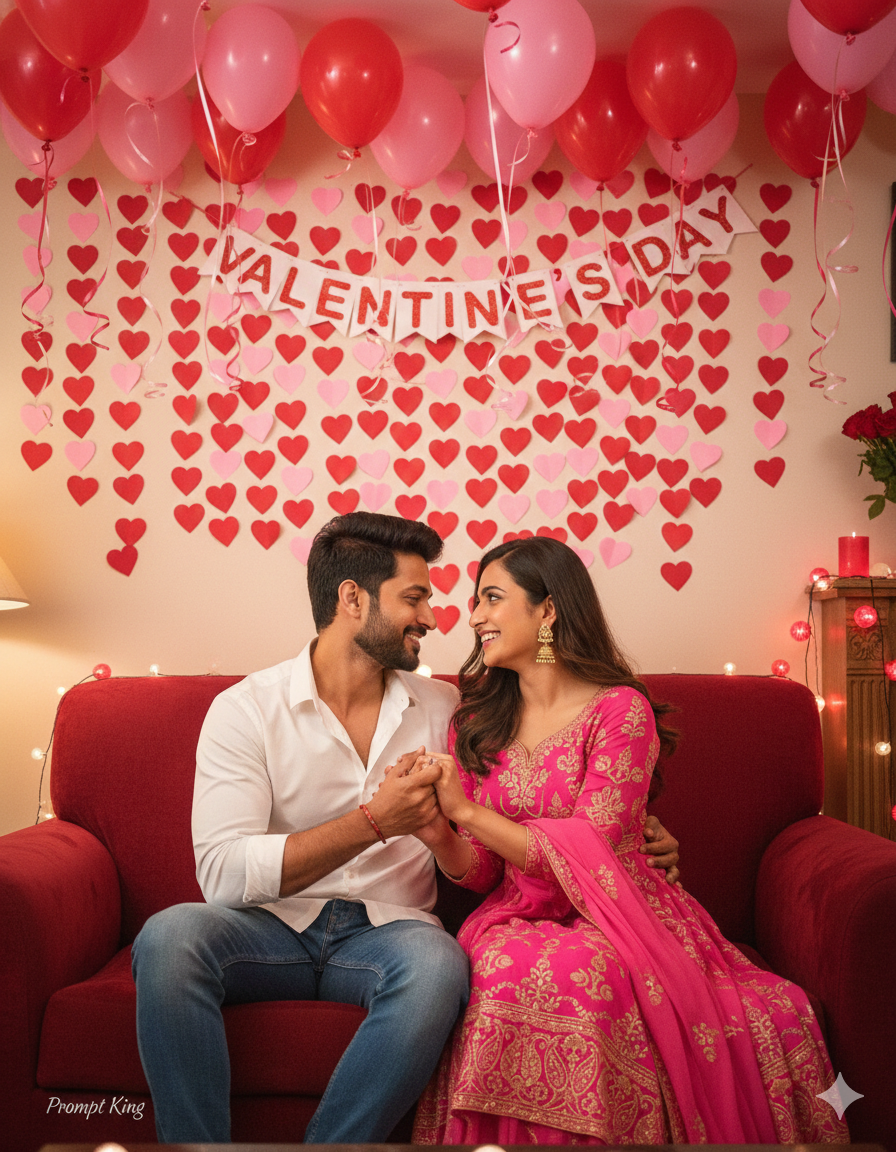
This Rose Day prompt creates a soft, refined portrait of a young woman holding fresh red roses close to her chest. She wears a luxurious pastel pink silk dress with flowing fabric that catches the light. Her skin has a bright, smooth glass-skin glow, paired with soft rosy makeup, glossy lips and subtle blush. Her long, silky hair is styled in loose waves that frame her face. The overall effect is gentle and elegant, with a dreamy, romantic atmosphere suited to Valentine's week. Cinematic lighting adds natural highlights on the cheeks and hair, while the background stays soft so the roses and dress remain the focus. The look is polished enough for a professional-style portrait but still warm and approachable. This style suits women who want a graceful image for Rose Day on 7 February, a feminine profile picture, or a gift photo for a partner. It is also a good option for birthday portraits with a floral theme. Upload a clear, well-lit reference photo for the most accurate result, and adjust the dress colour if you want it to coordinate with an outfit you already own.
Lighting, colour and composition
Soft, flattering front light with gentle glow on cheekbones and hair. The palette combines blush pink silk, deep red roses and warm skin tones against a creamy, blurred background. A close-to-medium vertical frame centres the subject with roses held at chest height, creating a calm, balanced composition.
Ways to make it your own
- Change the silk dress to lavender or ivory for a different pastel mood.
- Add soft falling petals in the background for extra movement and romance.
- Ask for a garden backdrop instead of a plain blur for an outdoor version.
Best for
Valentine's day photo ideas and creative portrait inspiration.
Suggested framing
Use 9:16 portrait framing as described in the prompt, or adapt to 4:5 for feed posts.
Customization ideas
Adjust the clothing, background, lighting, colors and composition to match your own idea.
How to use
Copy the prompt, adapt it to your idea, and paste it into your preferred compatible AI tool. Follow that tool’s instructions for reference photos.
A few helpful answers.
What type of image does this prompt create?
In a compatible AI tool, this prompt is intended as a starting point for this Rose Day prompt creates a soft, refined portrait of a young woman holding fresh red roses close to her chest. She wears a luxurious pastel pink silk dress with flowing fabric that catches the light. Her skin has a bright, smooth glass-skin glow, paired with soft rosy makeup, glossy lips and subtle blush. Her long, silky hair is styled in loose waves that frame her face. The overall effect is gentle and elegant, with a dreamy, romantic atmosphere suited to Valentine's week. Cinematic lighting adds natural highlights on the cheeks and hair, while the background stays soft so the roses and dress remain the focus. The look is polished enough for a professional-style portrait but still warm and approachable. This style suits women who want a graceful image for Rose Day on 7 February, a feminine profile picture, or a gift photo for a partner. It is also a good option for birthday portraits with a floral theme. Upload a clear, well-lit reference photo for the most accurate result, and adjust the dress colour if you want it to coordinate with an outfit you already own. Results depend on the tool, settings and references you use.
Can I customize the clothing or background?
Yes. Replace the clothing, setting or colors in the prompt with your own choices. Keep descriptions consistent and adjust one detail at a time.
What aspect ratio works best?
Start with Use 9:16 portrait framing as described in the prompt, or adapt to 4:5 for feed posts.. A 4:5 ratio works well for a portrait feed post. Adjust the crop for your intended platform and your tool’s available settings.
Does Prompt King generate the image?
No. Prompt King helps users discover and copy prompts that can be used with compatible AI tools.
Can I use this for social media ideas?
Yes. Use it as creative inspiration and customize the result for your audience. Use photos you have permission to upload, and check your chosen tool’s terms before publishing.