Kneeling Proposal in Fairy-Lit Evening Garden
About this prompt
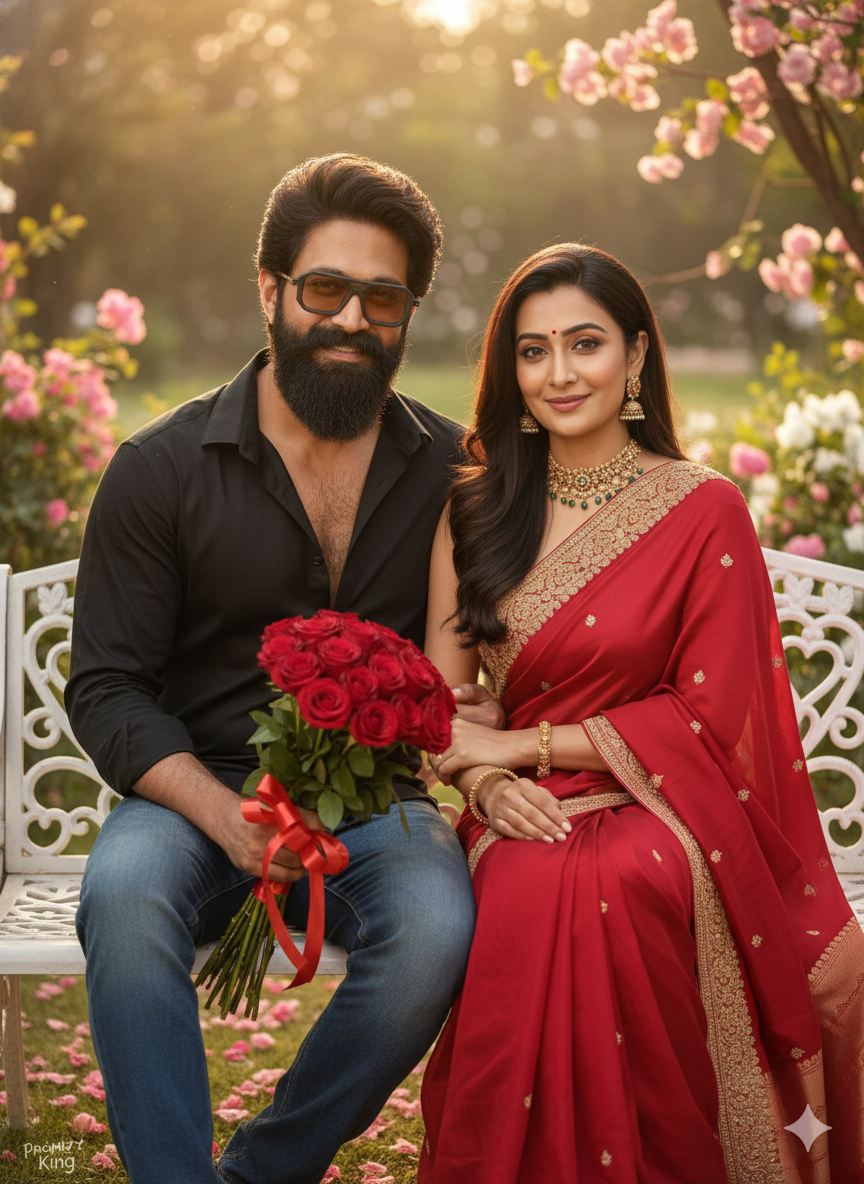
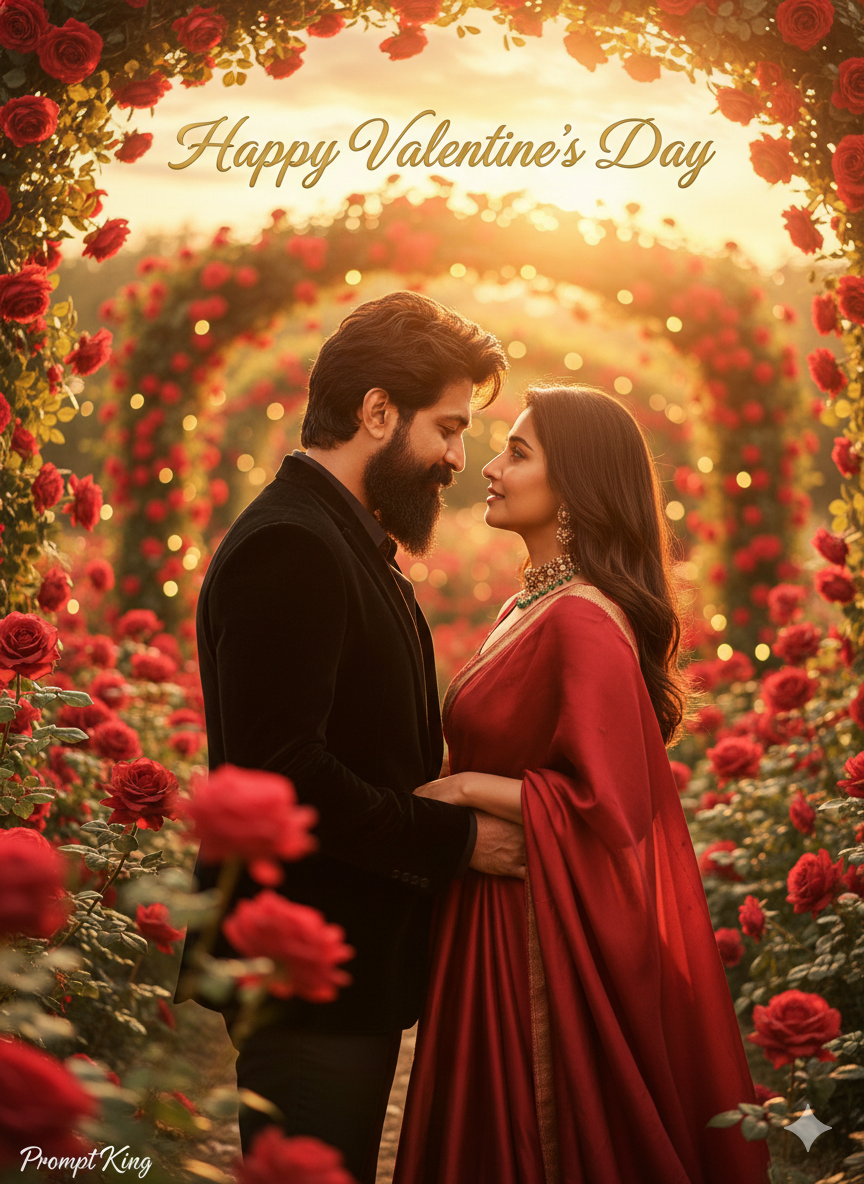
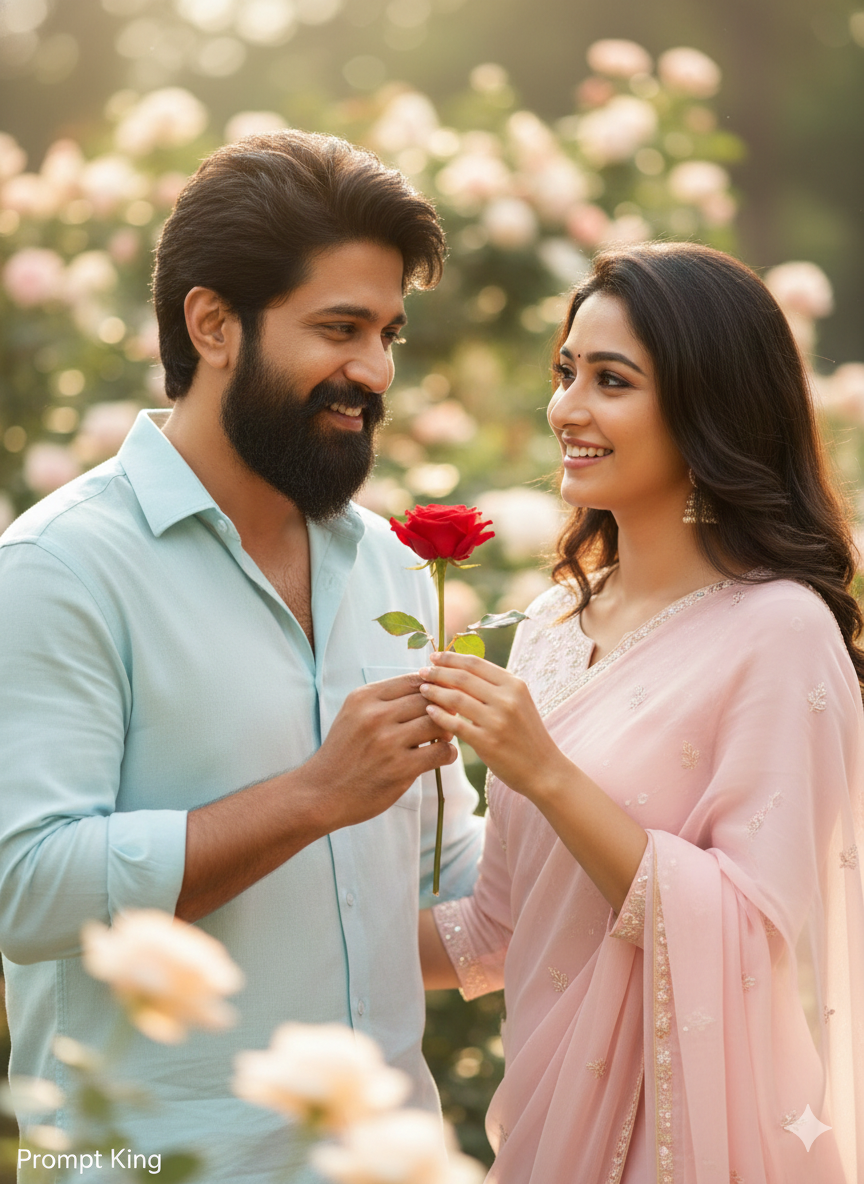
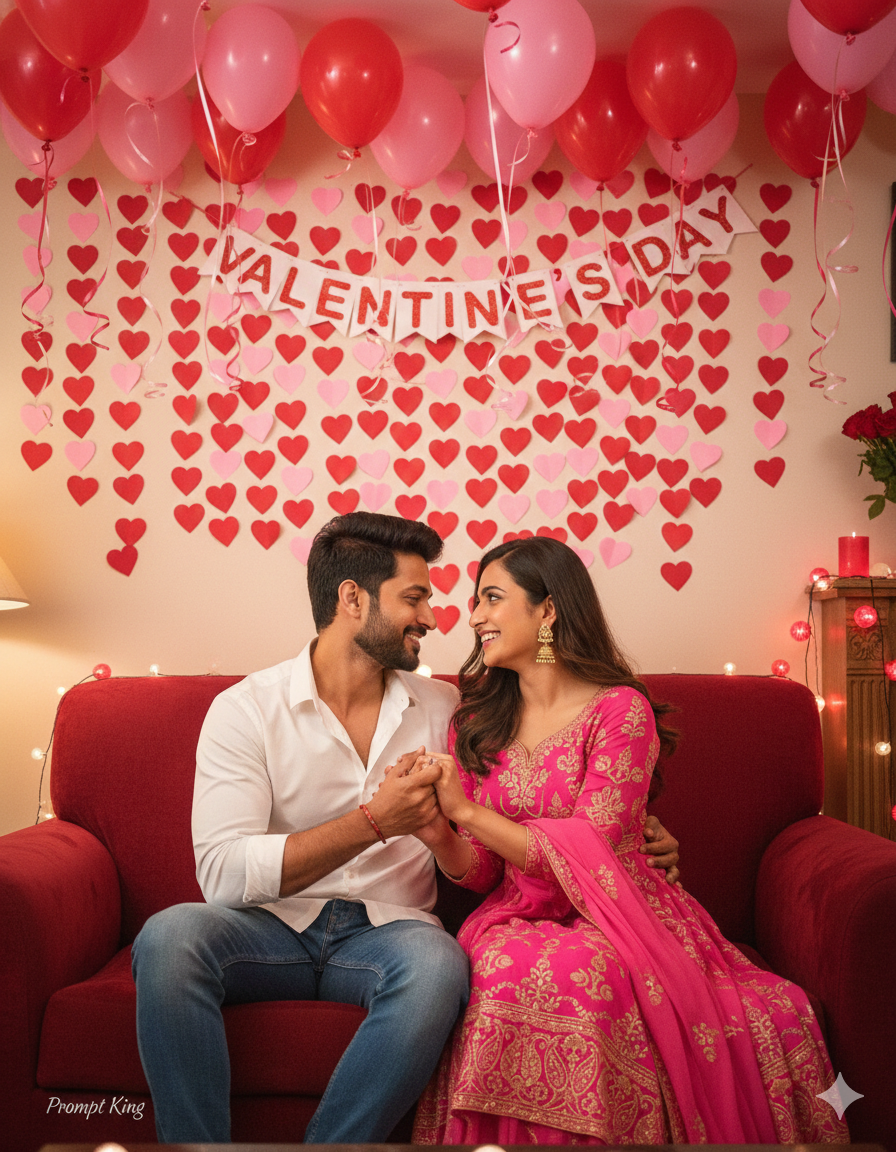
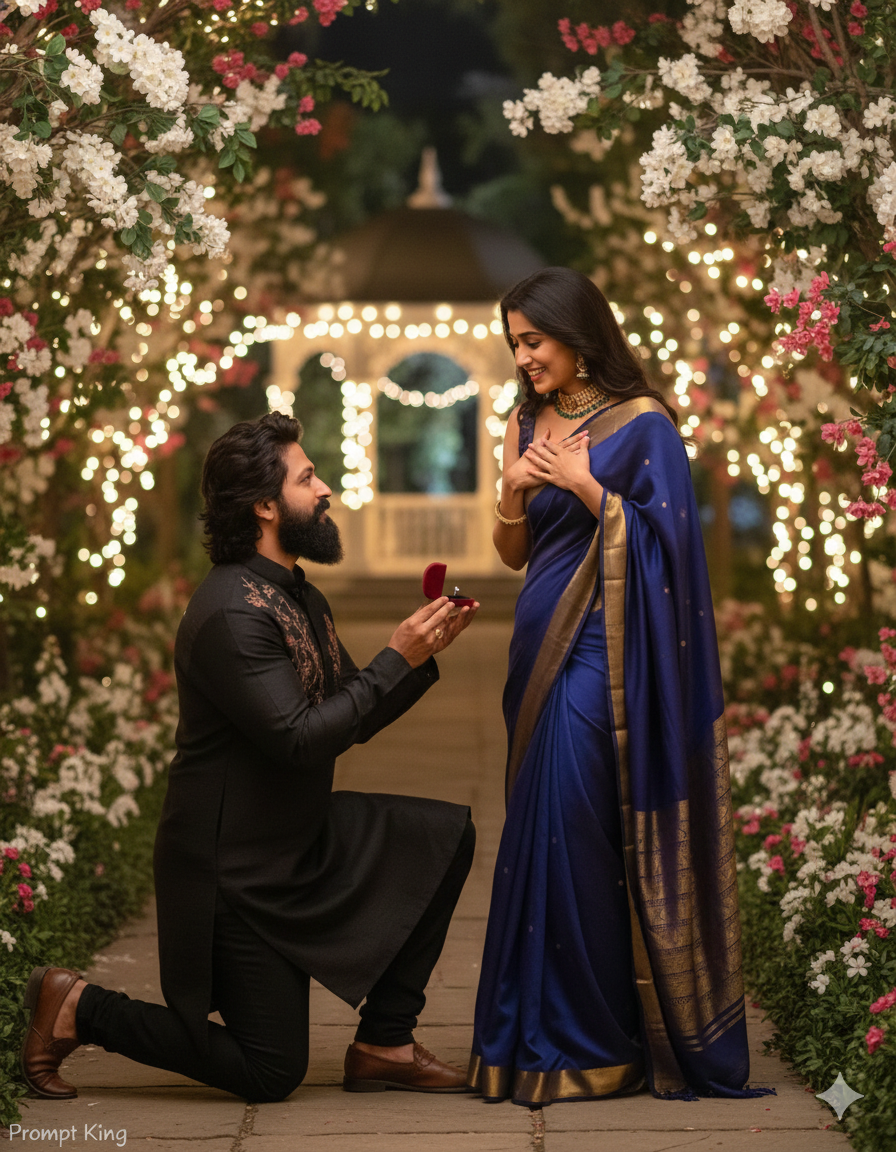
This Propose Day prompt shows a couple from a reference image in a romantic evening garden. The man, keeping his exact facial features and beard, kneels on one knee and holds out a small velvet ring box towards the woman, who stands in front of him reacting with emotion. Warm fairy lights decorate the garden, creating a gentle glow and soft bokeh in the background. The lighting is soft and low, like early evening, so faces are lit warmly while the surroundings fade into darkness and twinkling lights. The prompt asks for an ultra-realistic, cinematic look, so the image resembles a still from a romance film rather than a staged studio photo. This style suits couples celebrating Propose Day on 8 February, people planning a proposal announcement, or anyone who wants to recreate the feel of their own engagement moment. It can also be used for engagement save-the-date visuals or anniversary posts. Because two people are involved, a clear reference image with both faces visible will improve accuracy. Choose outfits in your reference that suit an evening setting, or describe them in the prompt so the final picture feels cohesive with the garden scene and warm lighting.
Lighting, colour and composition
Soft, low evening light combined with warm fairy-light bokeh creates a glowing, intimate scene. Colours lean towards amber, gold and deep garden greens. The kneeling man and standing woman form a clear diagonal, with the ring box near the centre of the frame drawing the eye between them.
Ways to make it your own
- Add a 'She Said Yes' text overlay to turn the image into an engagement announcement.
- Replace the garden with a rooftop terrace and city lights for an urban proposal setting.
- Describe matching outfit colours, such as white and beige, for a coordinated look.
Best for
Valentine's day photo ideas and creative portrait inspiration.
Suggested framing
Use 9:16 portrait framing as described in the prompt, or adapt to 4:5 for feed posts.
Customization ideas
Adjust the clothing, background, lighting, colors and composition to match your own idea.
How to use
Copy the prompt, adapt it to your idea, and paste it into your preferred compatible AI tool. Follow that tool’s instructions for reference photos.
A few helpful answers.
What type of image does this prompt create?
In a compatible AI tool, this prompt is intended as a starting point for this Propose Day prompt shows a couple from a reference image in a romantic evening garden. The man, keeping his exact facial features and beard, kneels on one knee and holds out a small velvet ring box towards the woman, who stands in front of him reacting with emotion. Warm fairy lights decorate the garden, creating a gentle glow and soft bokeh in the background. The lighting is soft and low, like early evening, so faces are lit warmly while the surroundings fade into darkness and twinkling lights. The prompt asks for an ultra-realistic, cinematic look, so the image resembles a still from a romance film rather than a staged studio photo. This style suits couples celebrating Propose Day on 8 February, people planning a proposal announcement, or anyone who wants to recreate the feel of their own engagement moment. It can also be used for engagement save-the-date visuals or anniversary posts. Because two people are involved, a clear reference image with both faces visible will improve accuracy. Choose outfits in your reference that suit an evening setting, or describe them in the prompt so the final picture feels cohesive with the garden scene and warm lighting. Results depend on the tool, settings and references you use.
Can I customize the clothing or background?
Yes. Replace the clothing, setting or colors in the prompt with your own choices. Keep descriptions consistent and adjust one detail at a time.
What aspect ratio works best?
Start with Use 9:16 portrait framing as described in the prompt, or adapt to 4:5 for feed posts.. A 4:5 ratio works well for a portrait feed post. Adjust the crop for your intended platform and your tool’s available settings.
Does Prompt King generate the image?
No. Prompt King helps users discover and copy prompts that can be used with compatible AI tools.
Can I use this for social media ideas?
Yes. Use it as creative inspiration and customize the result for your audience. Use photos you have permission to upload, and check your chosen tool’s terms before publishing.