Toddler in Orange Dhoti Worship by a Riverbank Lingam
About this prompt
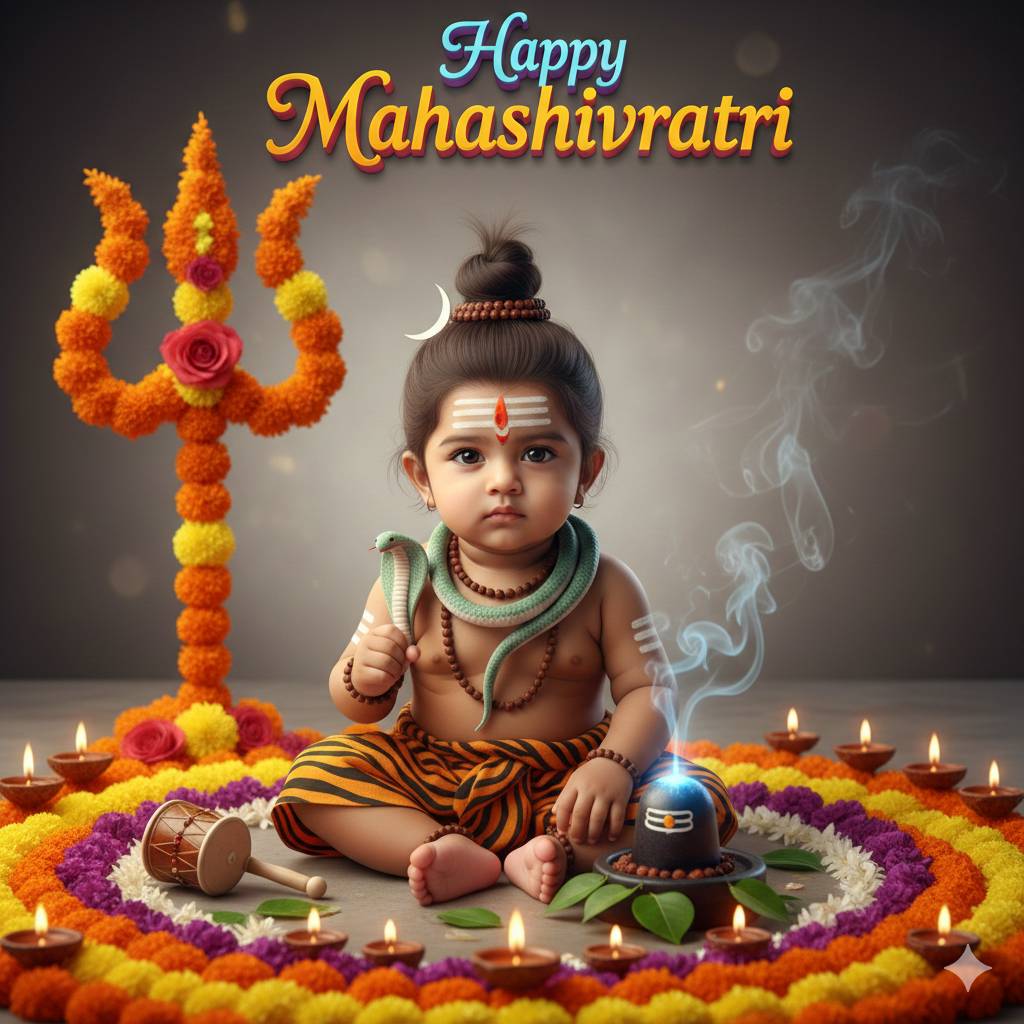
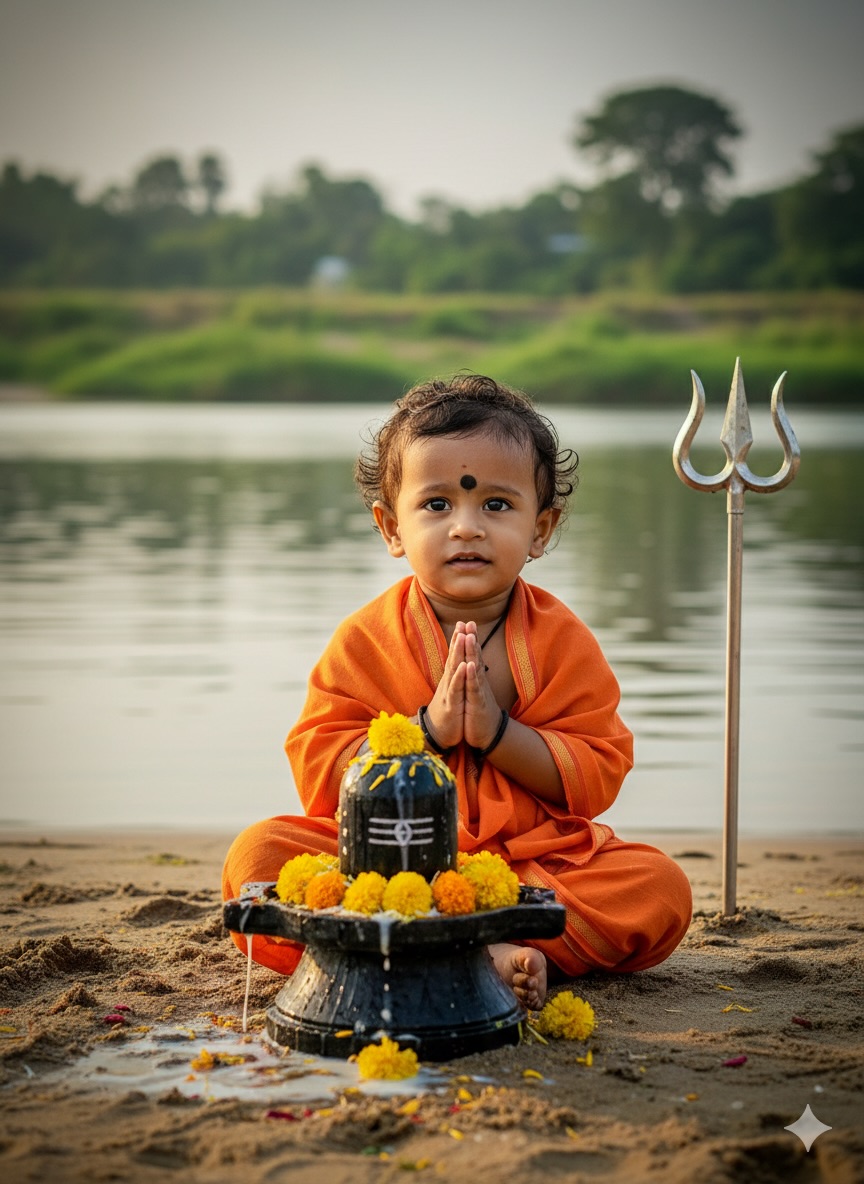
This prompt creates a realistic HD portrait of a one-year-old baby boy, matched to your uploaded photo, dressed in a traditional orange dhoti and shawl. He sits cross-legged on a sandy riverbank, as if performing worship or meditation in front of a Shiva lingam decorated with yellow marigold flowers. Water and offerings flow gently over the stone, and a trishul stands beside it. Cinematic lighting and a shallow depth of field keep the focus on the child while the river setting softens behind him. The image is simple and sweet, capturing an innocent devotional moment that many families like to share during festivals. Because the prompt is short, it is easy to extend with details such as sunrise light, mist over the water or a small brass bell. It suits parents creating Maha Shivaratri or Shravan greetings, baby milestone posts, festive family albums and WhatsApp status updates. The saffron outfit and marigolds give the picture warm, auspicious colours suited to religious occasions.
Lighting, colour and composition
Warm cinematic light falls across the child and marigolds, with a softly blurred river behind. The palette is saffron orange, marigold yellow and sandy beige with grey stone. The toddler sits centrally facing the lingam, with the trishul adding a vertical line beside them.
Ways to make it your own
- Mention early morning mist over the river for a softer, more spiritual mood.
- Swap the orange dhoti for white with a red border for a classic pooja look.
- Add the baby's name and a festival greeting at the bottom for sharing.
Best for
Children photo ideas and creative portrait inspiration.
Suggested framing
Use 9:16 portrait framing as described in the prompt, or adapt to 4:5 for feed posts.
Customization ideas
Adjust the clothing, background, lighting, colors and composition to match your own idea.
How to use
Copy the prompt, adapt it to your idea, and paste it into your preferred compatible AI tool. Follow that tool’s instructions for reference photos.
A few helpful answers.
What type of image does this prompt create?
In a compatible AI tool, this prompt is intended as a starting point for this prompt creates a realistic HD portrait of a one-year-old baby boy, matched to your uploaded photo, dressed in a traditional orange dhoti and shawl. He sits cross-legged on a sandy riverbank, as if performing worship or meditation in front of a Shiva lingam decorated with yellow marigold flowers. Water and offerings flow gently over the stone, and a trishul stands beside it. Cinematic lighting and a shallow depth of field keep the focus on the child while the river setting softens behind him. The image is simple and sweet, capturing an innocent devotional moment that many families like to share during festivals. Because the prompt is short, it is easy to extend with details such as sunrise light, mist over the water or a small brass bell. It suits parents creating Maha Shivaratri or Shravan greetings, baby milestone posts, festive family albums and WhatsApp status updates. The saffron outfit and marigolds give the picture warm, auspicious colours suited to religious occasions. Results depend on the tool, settings and references you use.
Can I customize the clothing or background?
Yes. Replace the clothing, setting or colors in the prompt with your own choices. Keep descriptions consistent and adjust one detail at a time.
What aspect ratio works best?
Start with Use 9:16 portrait framing as described in the prompt, or adapt to 4:5 for feed posts.. A 4:5 ratio works well for a portrait feed post. Adjust the crop for your intended platform and your tool’s available settings.
Does Prompt King generate the image?
No. Prompt King helps users discover and copy prompts that can be used with compatible AI tools.
Can I use this for social media ideas?
Yes. Use it as creative inspiration and customize the result for your audience. Use photos you have permission to upload, and check your chosen tool’s terms before publishing.