Teal Silk Saree With Peach Blouse Indoors
About this prompt
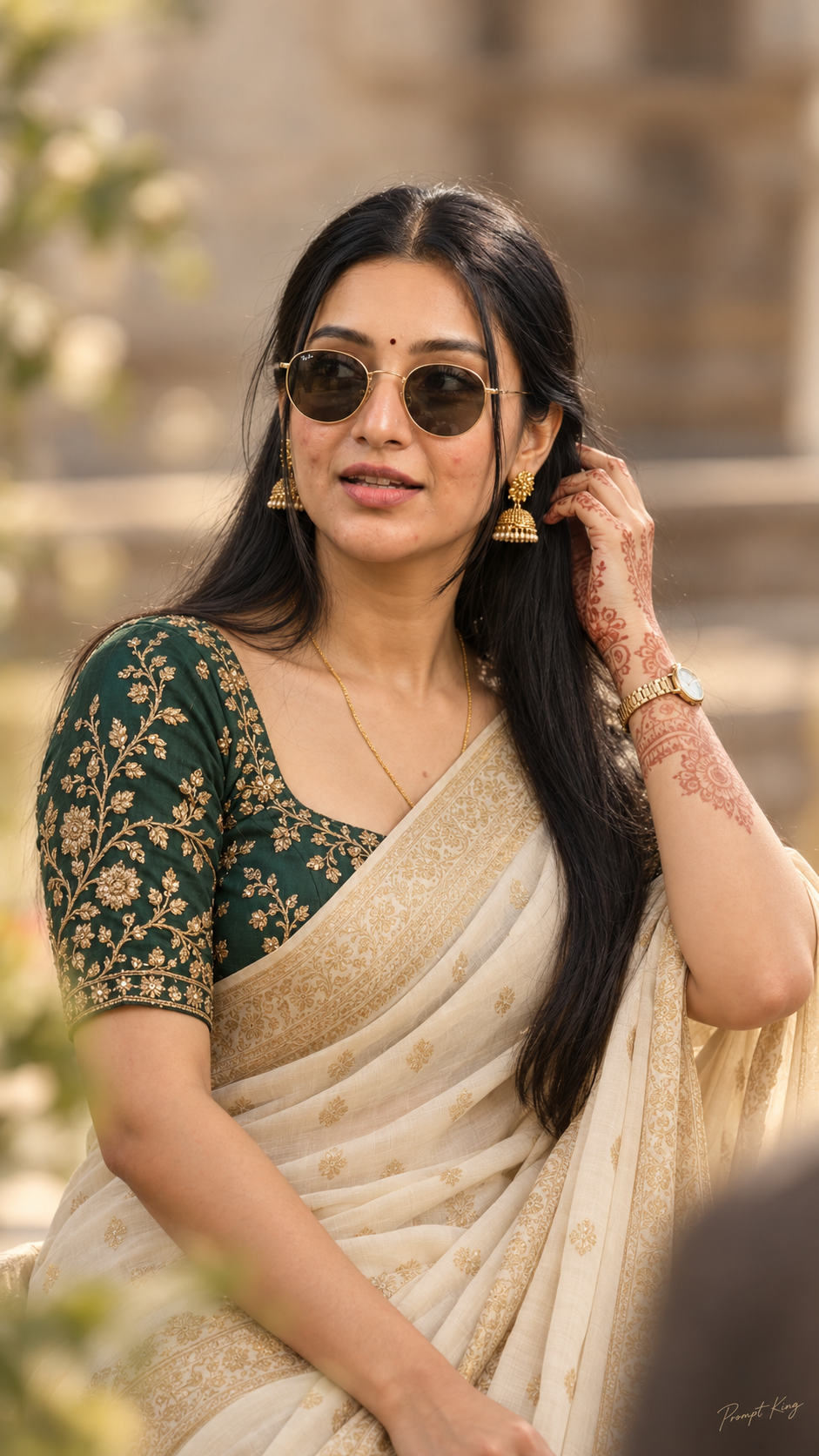
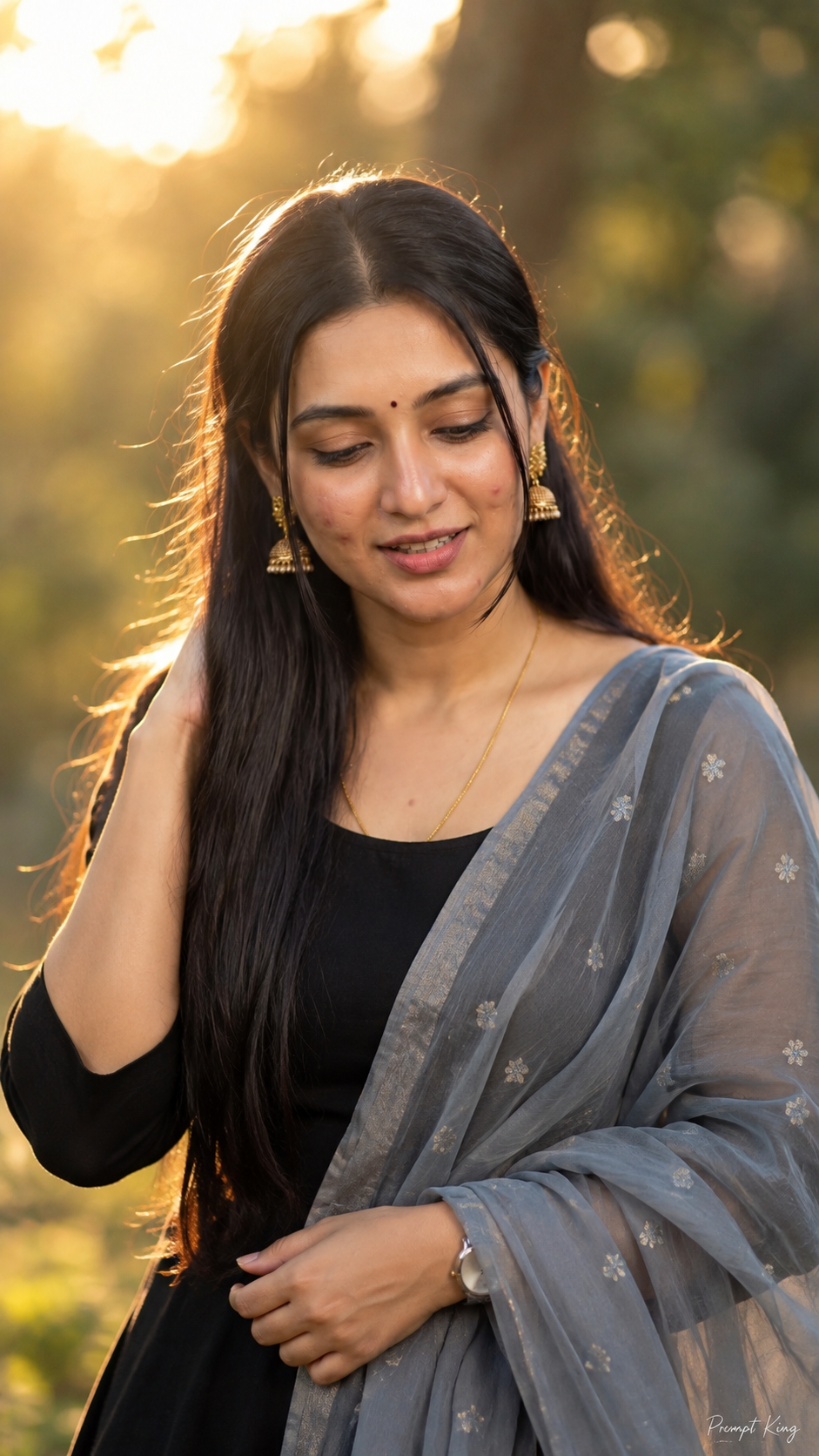
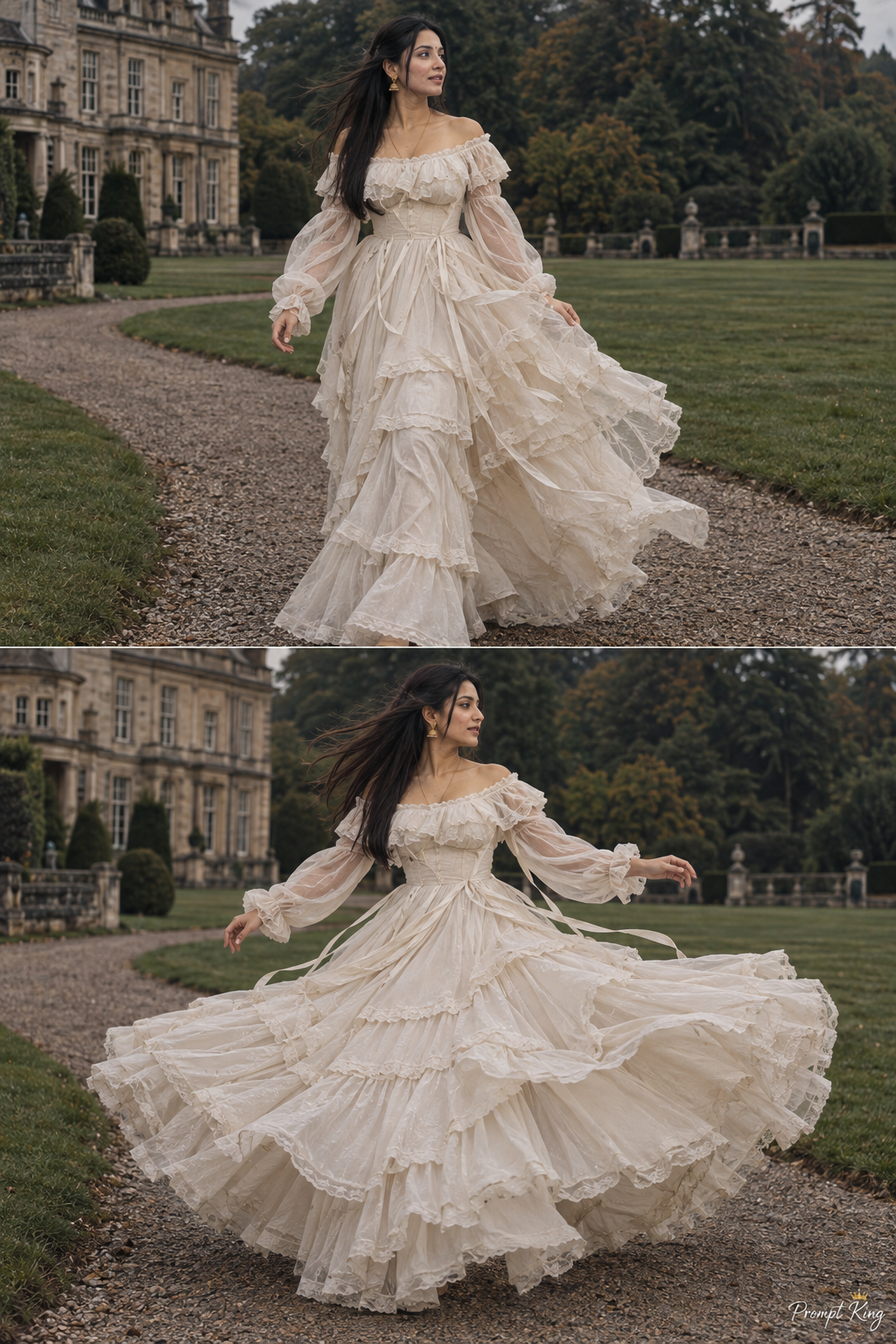
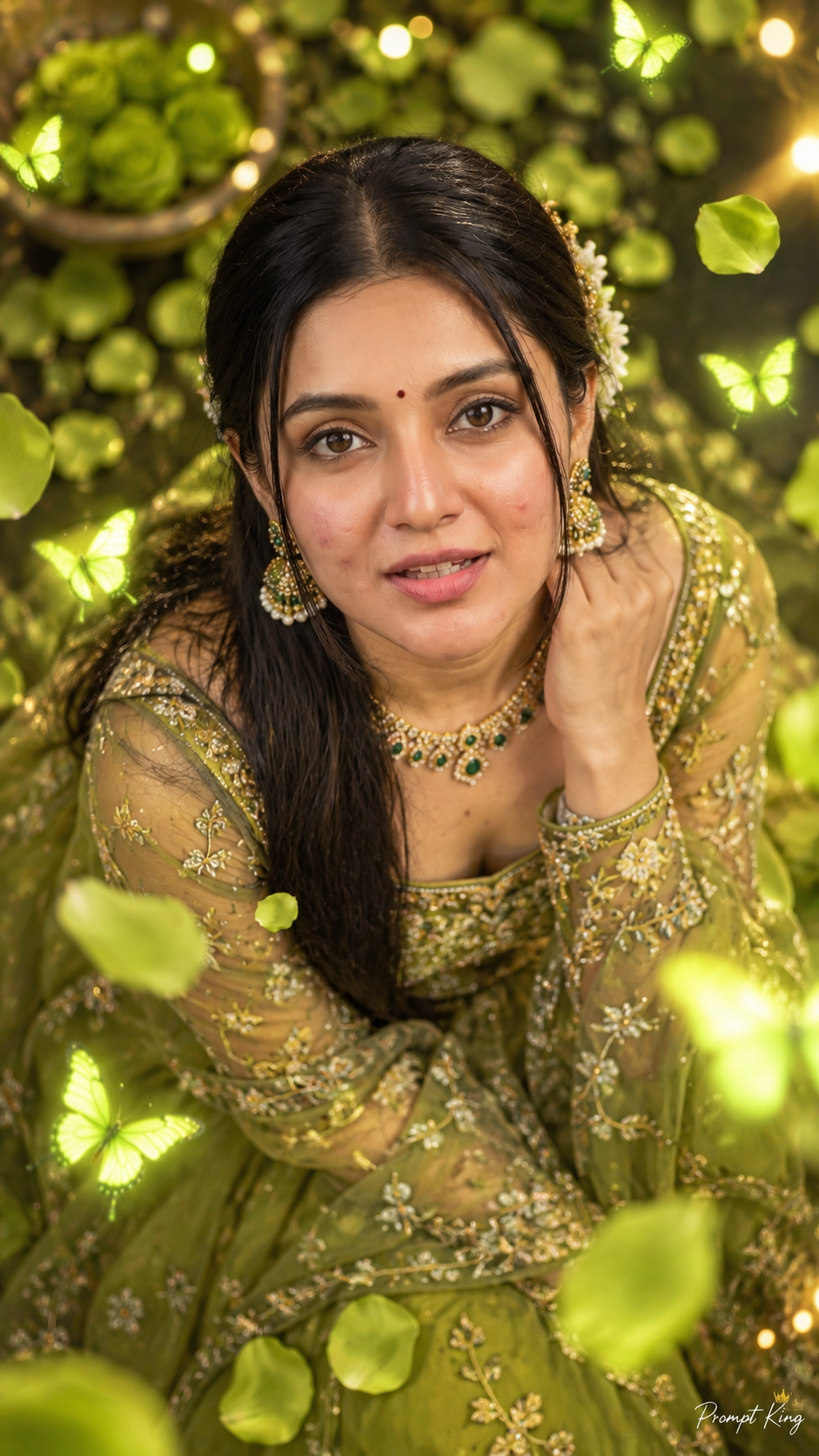
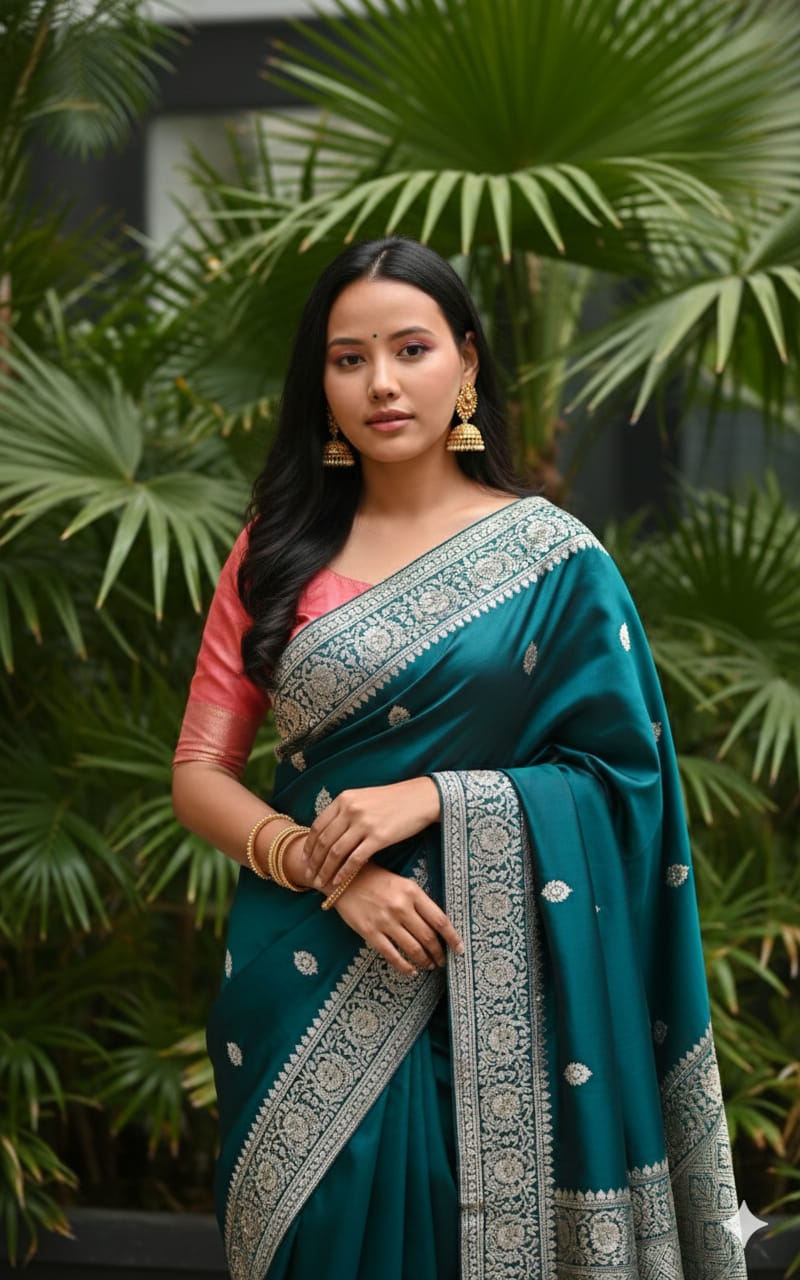
This prompt creates a soft indoor portrait of a young Indian woman wearing a deep teal or emerald silk saree with elaborate silver and white thread embroidery along the border and pallu. She pairs it with a salmon pink or peach blouse with elbow-length sleeves, an unusual and flattering colour contrast. Large gold jhumka earrings and bangles add warmth, and her long dark wavy hair falls naturally around her shoulders. She looks directly at the camera with a gentle, calm expression. The setting is indoors or semi-indoors, with large green tropical plants filling the background, which adds freshness and depth without distracting from the outfit. The finish is that of high-quality fashion photography, realistic and true to fabric colours. Your uploaded photo is used for the face. Because the background stays calm and leafy, this works well as a profile photo for WhatsApp or LinkedIn during festive season, a Diwali or Karva Chauth greeting, a saree brand mock-up, or a simple traditional-day post. It is also a useful reference for anyone deciding whether a peach blouse works with a jewel-toned saree before buying or stitching one.
Lighting, colour and composition
Soft, diffused indoor light gives even illumination with mild shadows on the face. The palette contrasts cool teal and emerald with warm peach and gold, with silver embroidery adding sparkle. A medium close-up composition places the subject in front of large tropical leaves, softly blurred to create layered depth.
Ways to make it your own
- Swap the peach blouse for mustard or magenta to test other contrast pairings with teal.
- Replace the tropical plants with a carved wooden jaali screen for a more traditional backdrop.
- Ask for a slight over-the-shoulder pose if you want the embroidered pallu more visible.
Best for
Girls photo ideas and creative portrait inspiration.
Suggested framing
Use 9:16 portrait framing as described in the prompt, or adapt to 4:5 for feed posts.
Customization ideas
Adjust the clothing, background, lighting, colors and composition to match your own idea.
How to use
Copy the prompt, adapt it to your idea, and paste it into your preferred compatible AI tool. Follow that tool’s instructions for reference photos.
A few helpful answers.
What type of image does this prompt create?
In a compatible AI tool, this prompt is intended as a starting point for this prompt creates a soft indoor portrait of a young Indian woman wearing a deep teal or emerald silk saree with elaborate silver and white thread embroidery along the border and pallu. She pairs it with a salmon pink or peach blouse with elbow-length sleeves, an unusual and flattering colour contrast. Large gold jhumka earrings and bangles add warmth, and her long dark wavy hair falls naturally around her shoulders. She looks directly at the camera with a gentle, calm expression. The setting is indoors or semi-indoors, with large green tropical plants filling the background, which adds freshness and depth without distracting from the outfit. The finish is that of high-quality fashion photography, realistic and true to fabric colours. Your uploaded photo is used for the face. Because the background stays calm and leafy, this works well as a profile photo for WhatsApp or LinkedIn during festive season, a Diwali or Karva Chauth greeting, a saree brand mock-up, or a simple traditional-day post. It is also a useful reference for anyone deciding whether a peach blouse works with a jewel-toned saree before buying or stitching one. Results depend on the tool, settings and references you use.
Can I customize the clothing or background?
Yes. Replace the clothing, setting or colors in the prompt with your own choices. Keep descriptions consistent and adjust one detail at a time.
What aspect ratio works best?
Start with Use 9:16 portrait framing as described in the prompt, or adapt to 4:5 for feed posts.. A 4:5 ratio works well for a portrait feed post. Adjust the crop for your intended platform and your tool’s available settings.
Does Prompt King generate the image?
No. Prompt King helps users discover and copy prompts that can be used with compatible AI tools.
Can I use this for social media ideas?
Yes. Use it as creative inspiration and customize the result for your audience. Use photos you have permission to upload, and check your chosen tool’s terms before publishing.