Sandstone Fort Sunrise Poster In White Kurta
About this prompt
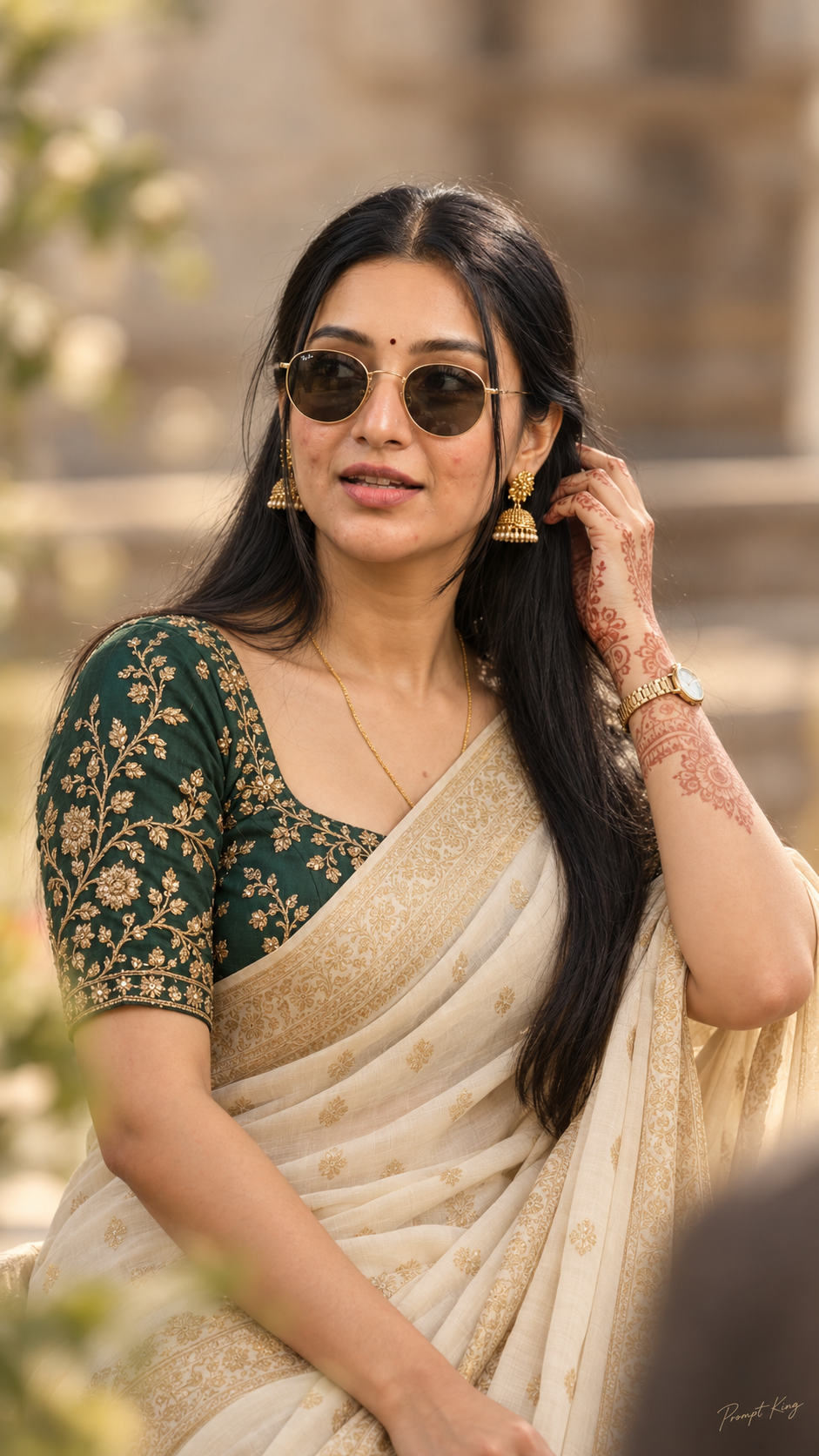
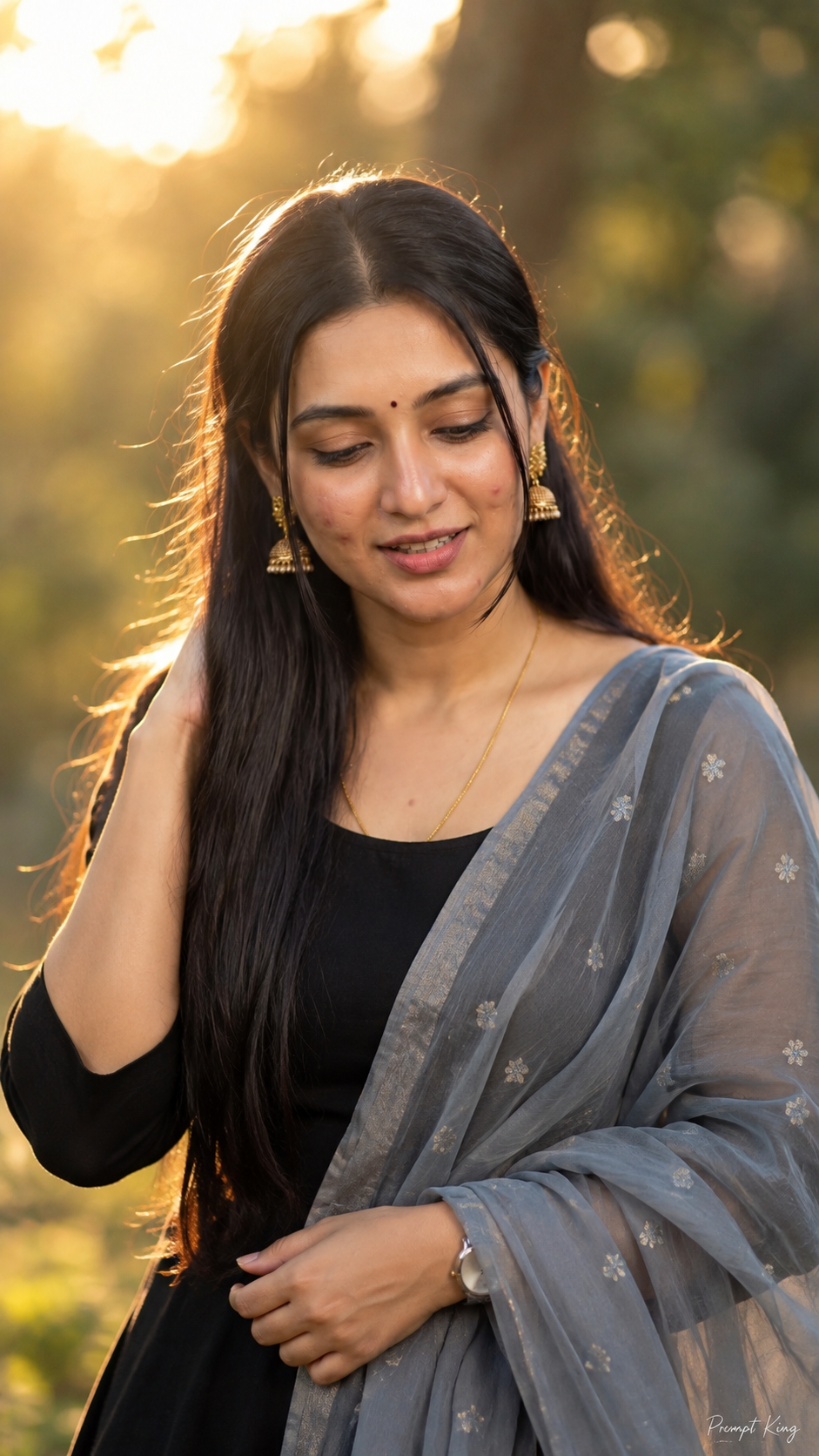
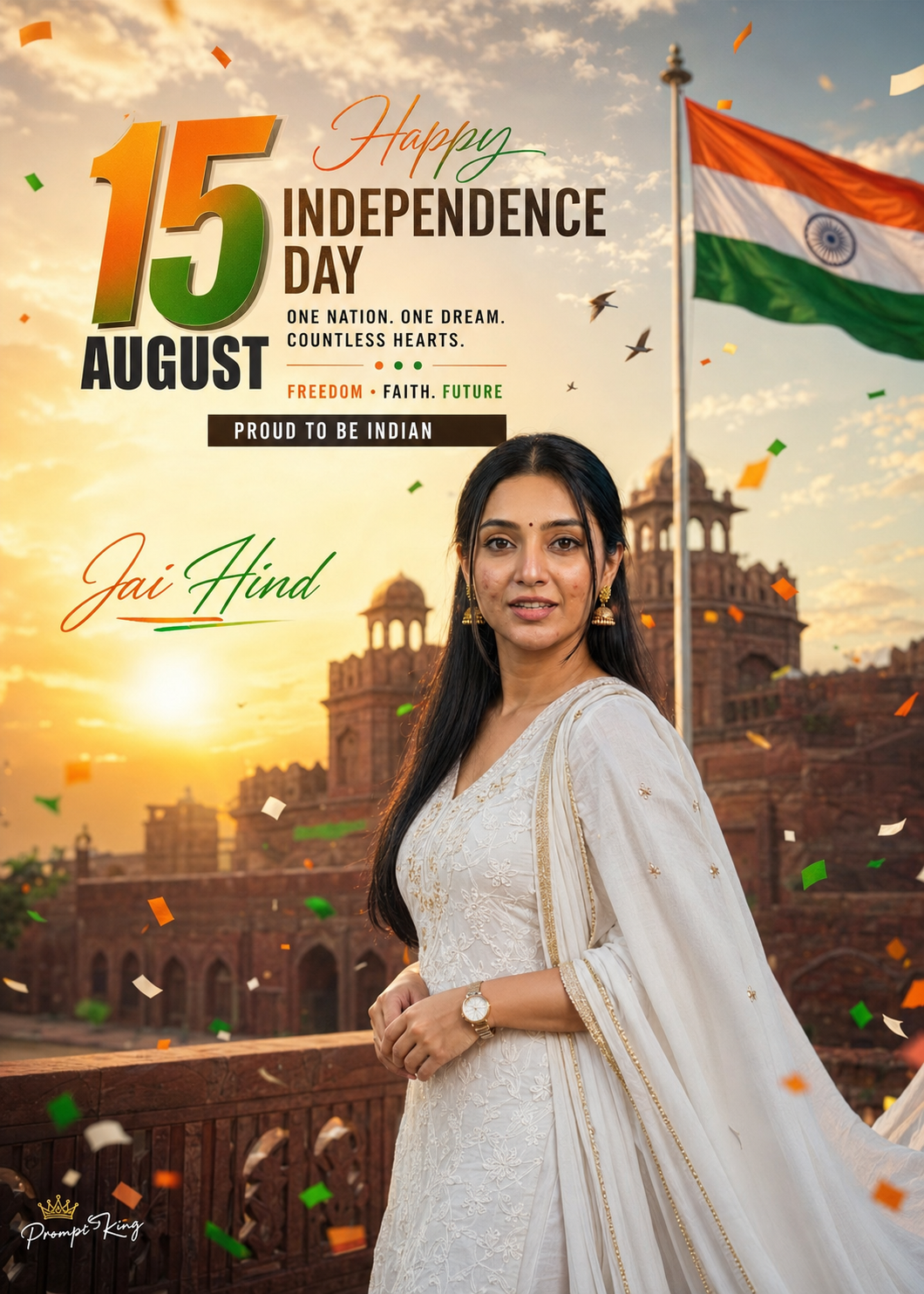
This prompt creates a cinematic Independence Day editorial poster of a young Indian woman in a premium white embroidered kurta with a flowing dupatta, standing at a historic Indian sandstone fort during a golden sunrise. Warm rays break through a dramatic sky, birds fly overhead, tricolour confetti floats in a soft wind, and a fully visible Indian flag waves nearby. Her body is turned about 45 degrees while she looks directly at the camera with a natural smile, relaxed posture and graceful hand placement. The poster includes layered typography: a bold gradient '15', a modern 'AUGUST', a script 'Happy', a bold 'INDEPENDENCE DAY', and lines such as 'ONE NATION. ONE DREAM. COUNTLESS HEARTS.', 'PROUD TO BE INDIAN' and 'Jai Hind'. The prompt asks for an 85mm DSLR look, shallow depth of field, cinematic colour grading and a magazine-cover style in a vertical 5:7 ratio, with your uploaded photo guiding the face. This is suited to Independence Day greetings, office or college celebration posts and a festive profile picture.
Lighting, colour and composition
Golden sunrise light comes in low and warm, lighting the sandstone and adding soft rim light to the white kurta. The palette is sandstone gold, white and soft sky tones with tricolour accents. The subject stands slightly off-centre at a 45-degree turn, with typography layered around her in a magazine-cover layout.
Ways to make it your own
- Trim the typography to two or three lines for a cleaner, less crowded poster.
- Swap the white kurta for a saffron or green outfit to add more colour.
- Replace the fort with your city's landmark for a local touch.
Best for
Girls photo ideas and creative portrait inspiration.
Suggested framing
Use 9:16 portrait framing as described in the prompt, or adapt to 4:5 for feed posts.
Customization ideas
Adjust the clothing, background, lighting, colors and composition to match your own idea.
How to use
Copy the prompt, adapt it to your idea, and paste it into your preferred compatible AI tool. Follow that tool’s instructions for reference photos.
A few helpful answers.
What type of image does this prompt create?
In a compatible AI tool, this prompt is intended as a starting point for this prompt creates a cinematic Independence Day editorial poster of a young Indian woman in a premium white embroidered kurta with a flowing dupatta, standing at a historic Indian sandstone fort during a golden sunrise. Warm rays break through a dramatic sky, birds fly overhead, tricolour confetti floats in a soft wind, and a fully visible Indian flag waves nearby. Her body is turned about 45 degrees while she looks directly at the camera with a natural smile, relaxed posture and graceful hand placement. The poster includes layered typography: a bold gradient '15', a modern 'AUGUST', a script 'Happy', a bold 'INDEPENDENCE DAY', and lines such as 'ONE NATION. ONE DREAM. COUNTLESS HEARTS.', 'PROUD TO BE INDIAN' and 'Jai Hind'. The prompt asks for an 85mm DSLR look, shallow depth of field, cinematic colour grading and a magazine-cover style in a vertical 5:7 ratio, with your uploaded photo guiding the face. This is suited to Independence Day greetings, office or college celebration posts and a festive profile picture. Results depend on the tool, settings and references you use.
Can I customize the clothing or background?
Yes. Replace the clothing, setting or colors in the prompt with your own choices. Keep descriptions consistent and adjust one detail at a time.
What aspect ratio works best?
Start with Use 9:16 portrait framing as described in the prompt, or adapt to 4:5 for feed posts.. A 4:5 ratio works well for a portrait feed post. Adjust the crop for your intended platform and your tool’s available settings.
Does Prompt King generate the image?
No. Prompt King helps users discover and copy prompts that can be used with compatible AI tools.
Can I use this for social media ideas?
Yes. Use it as creative inspiration and customize the result for your audience. Use photos you have permission to upload, and check your chosen tool’s terms before publishing.