Royal Blue Kurta Three Frame Reel Collage
About this prompt
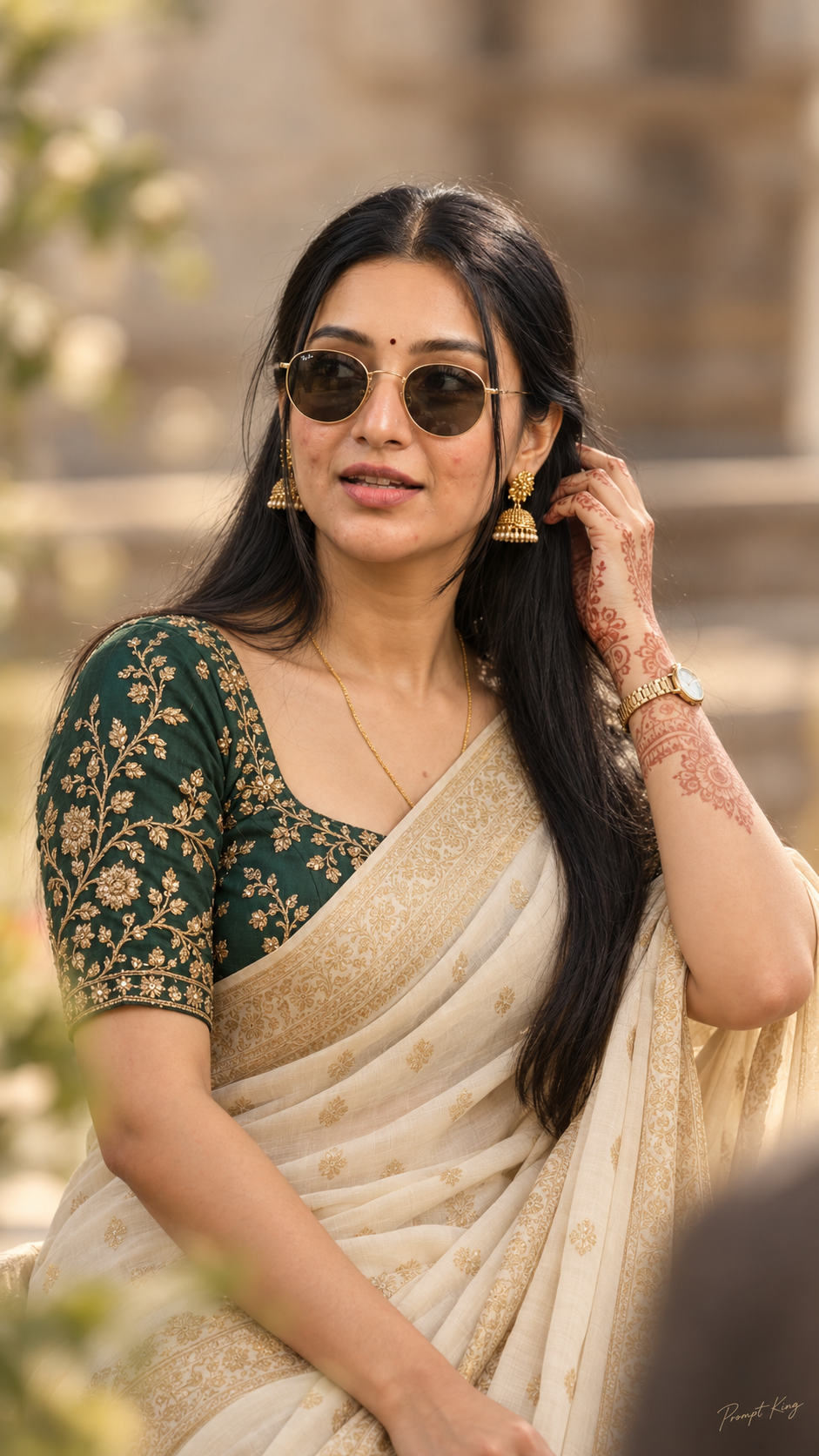
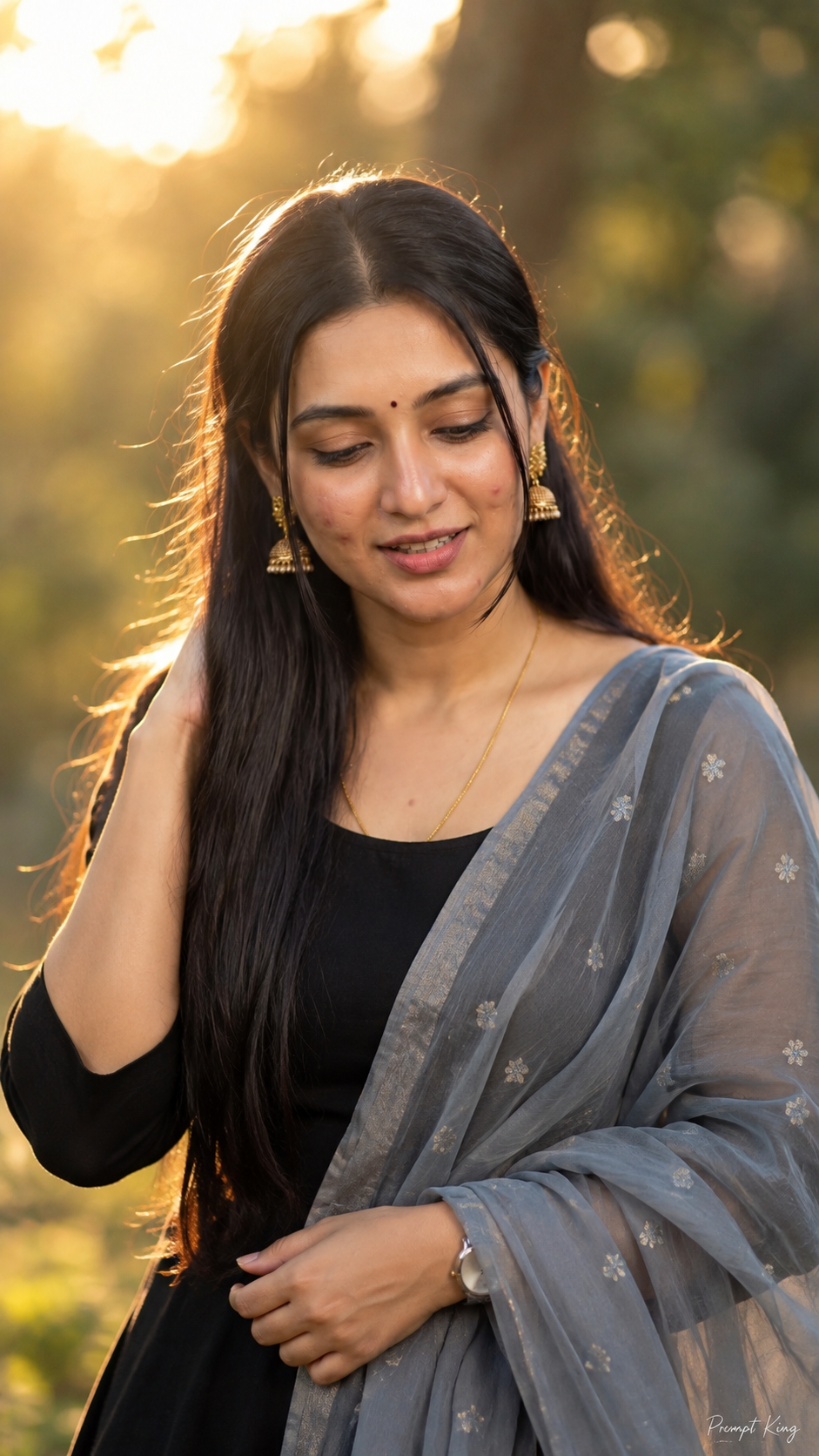
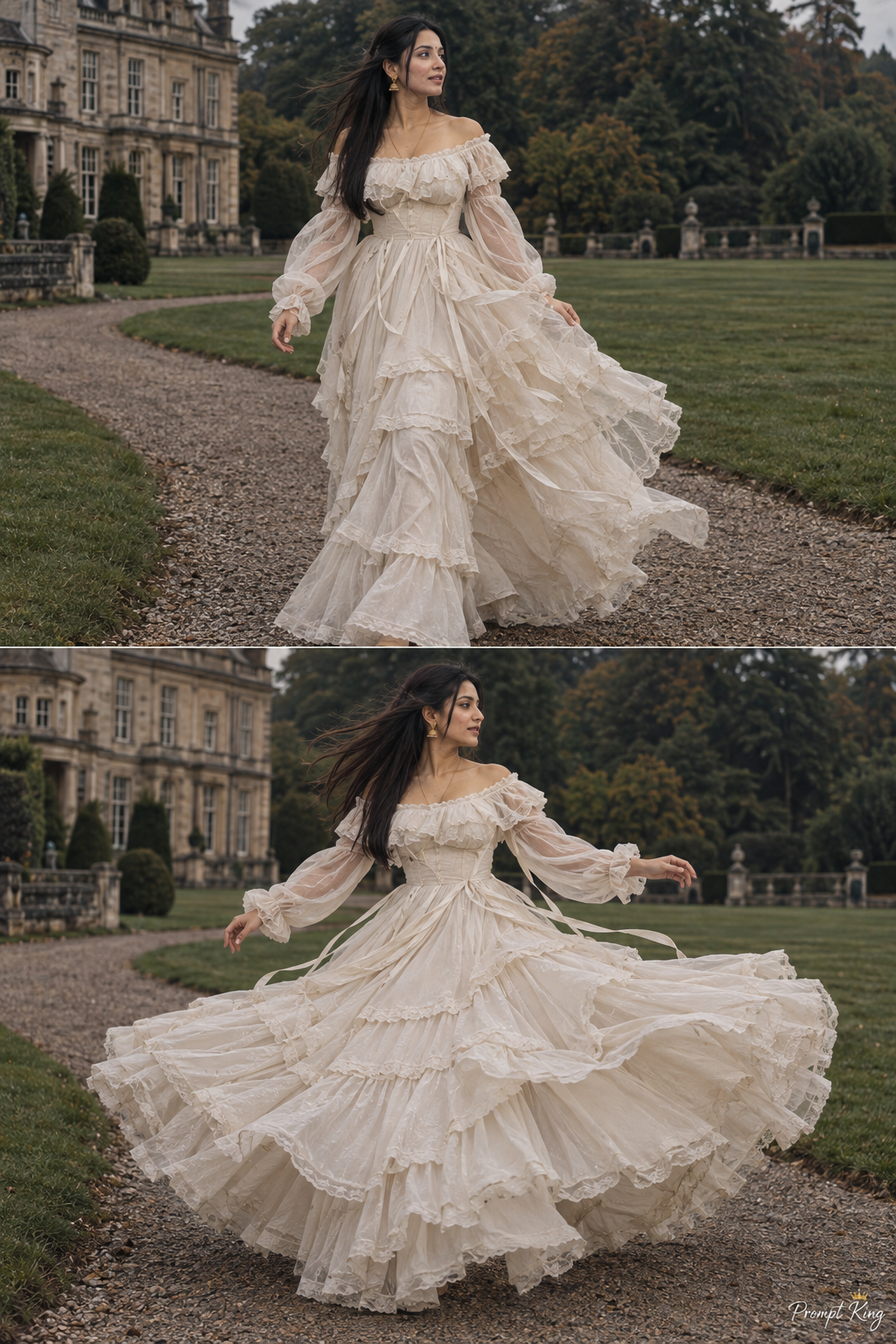
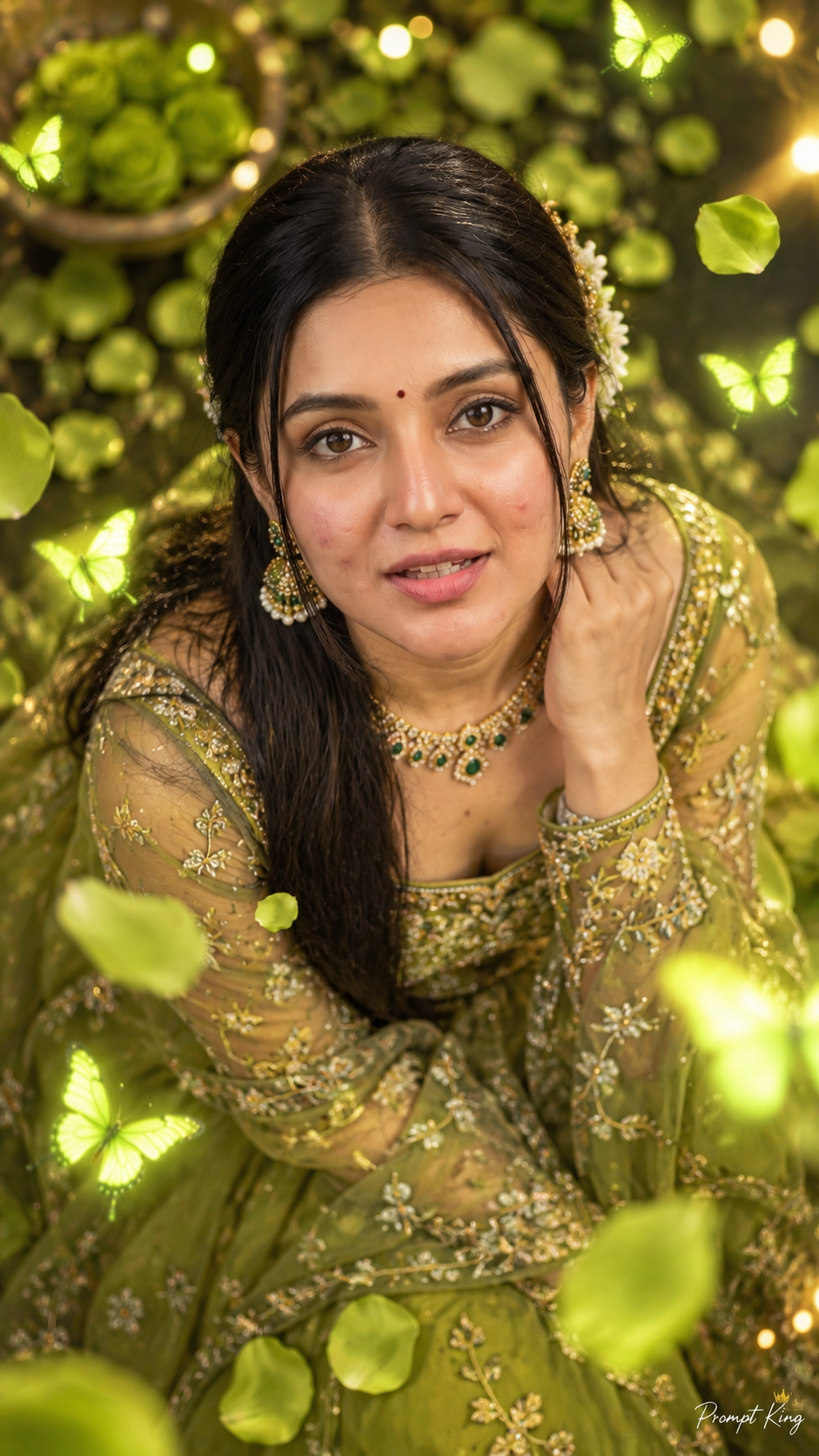
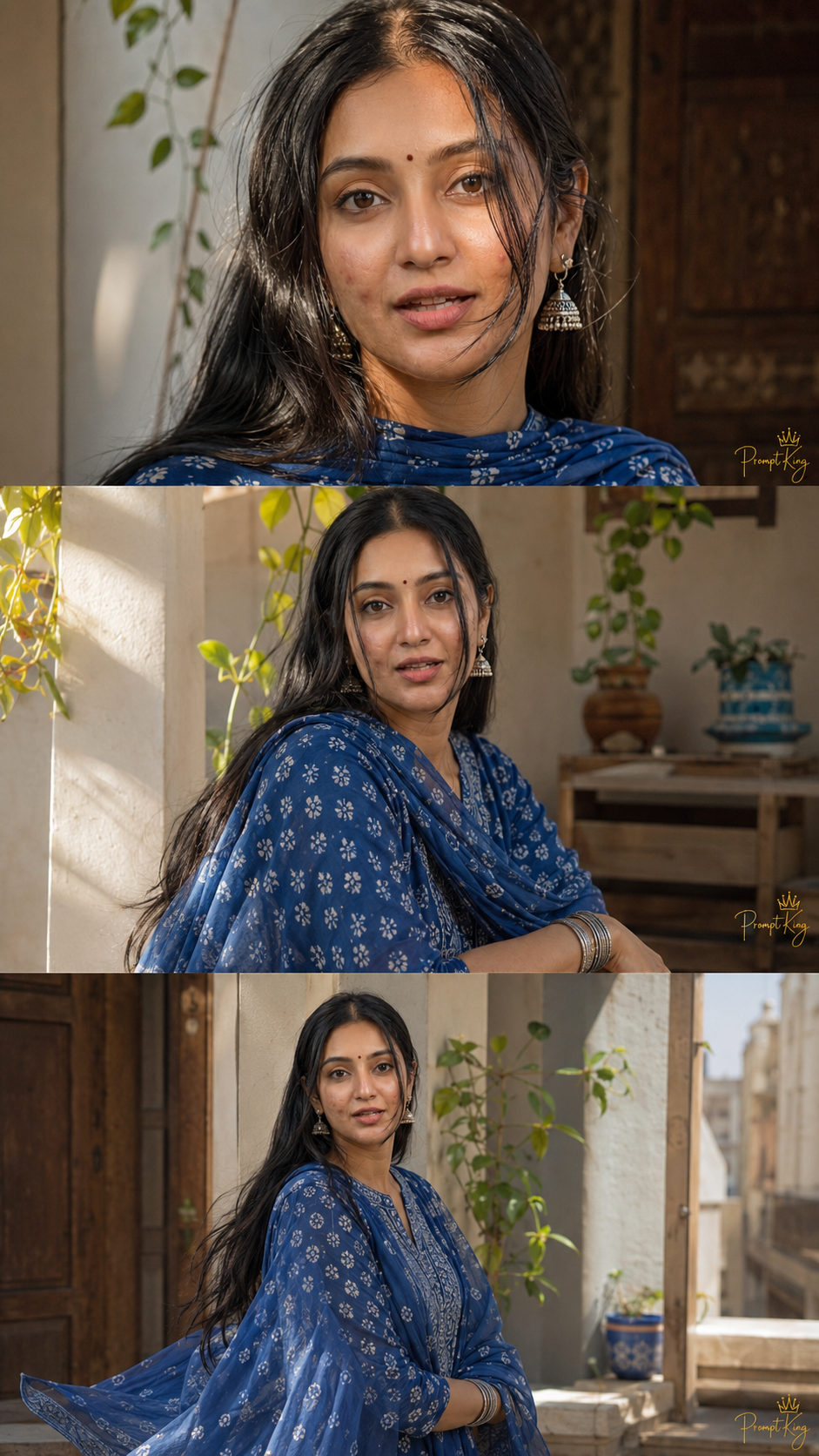
This prompt creates a soft, three-frame vertical collage with an airy, feminine Instagram reel feel and a desi touch. The woman wears a flowing royal blue printed kurta set with a matching dupatta, oxidised silver jhumkas and chunky silver bangles, with glowing skin, minimal makeup and silky dark hair moving in the breeze. The top frame is an intimate close-up with hair falling across her cheek and sunlight catching one eye, and the other frames show different relaxed moments in the same outfit and light. Warm cinematic daylight and a slightly soft phone-camera look give the images a casual, natural quality rather than a studio finish. The prompt places heavy emphasis on keeping your face identical to the uploaded photo in every frame, without smoothing or reshaping. The output is 9:16. This collage suits a festival outfit post, a weekend photo dump, a birthday carousel, or a reel cover for fashion or lifestyle content. It works best with a clear, natural reference photo taken in daylight.
Lighting, colour and composition
Warm natural daylight gives soft highlights and gentle shadows with a slight phone-camera softness. The palette is royal blue and white print with oxidised silver accents and warm skin tones. Three stacked vertical frames mix a tight close-up with wider moments, creating a reel-like rhythm.
Ways to make it your own
- Swap royal blue for mustard yellow or bottle green to suit a particular festival.
- Ask for a different moment in each frame, such as laughing, walking and sitting.
- Replace silver jewellery with gold jhumkas for a more festive look.
Best for
Girls photo ideas and creative portrait inspiration.
Suggested framing
Use 9:16 portrait framing as described in the prompt, or adapt to 4:5 for feed posts.
Customization ideas
Adjust the clothing, background, lighting, colors and composition to match your own idea.
How to use
Copy the prompt, adapt it to your idea, and paste it into your preferred compatible AI tool. Follow that tool’s instructions for reference photos.
A few helpful answers.
What type of image does this prompt create?
In a compatible AI tool, this prompt is intended as a starting point for this prompt creates a soft, three-frame vertical collage with an airy, feminine Instagram reel feel and a desi touch. The woman wears a flowing royal blue printed kurta set with a matching dupatta, oxidised silver jhumkas and chunky silver bangles, with glowing skin, minimal makeup and silky dark hair moving in the breeze. The top frame is an intimate close-up with hair falling across her cheek and sunlight catching one eye, and the other frames show different relaxed moments in the same outfit and light. Warm cinematic daylight and a slightly soft phone-camera look give the images a casual, natural quality rather than a studio finish. The prompt places heavy emphasis on keeping your face identical to the uploaded photo in every frame, without smoothing or reshaping. The output is 9:16. This collage suits a festival outfit post, a weekend photo dump, a birthday carousel, or a reel cover for fashion or lifestyle content. It works best with a clear, natural reference photo taken in daylight. Results depend on the tool, settings and references you use.
Can I customize the clothing or background?
Yes. Replace the clothing, setting or colors in the prompt with your own choices. Keep descriptions consistent and adjust one detail at a time.
What aspect ratio works best?
Start with Use 9:16 portrait framing as described in the prompt, or adapt to 4:5 for feed posts.. A 4:5 ratio works well for a portrait feed post. Adjust the crop for your intended platform and your tool’s available settings.
Does Prompt King generate the image?
No. Prompt King helps users discover and copy prompts that can be used with compatible AI tools.
Can I use this for social media ideas?
Yes. Use it as creative inspiration and customize the result for your audience. Use photos you have permission to upload, and check your chosen tool’s terms before publishing.