Palace Balcony Portrait With Taj Mahal and Pigeons
About this prompt
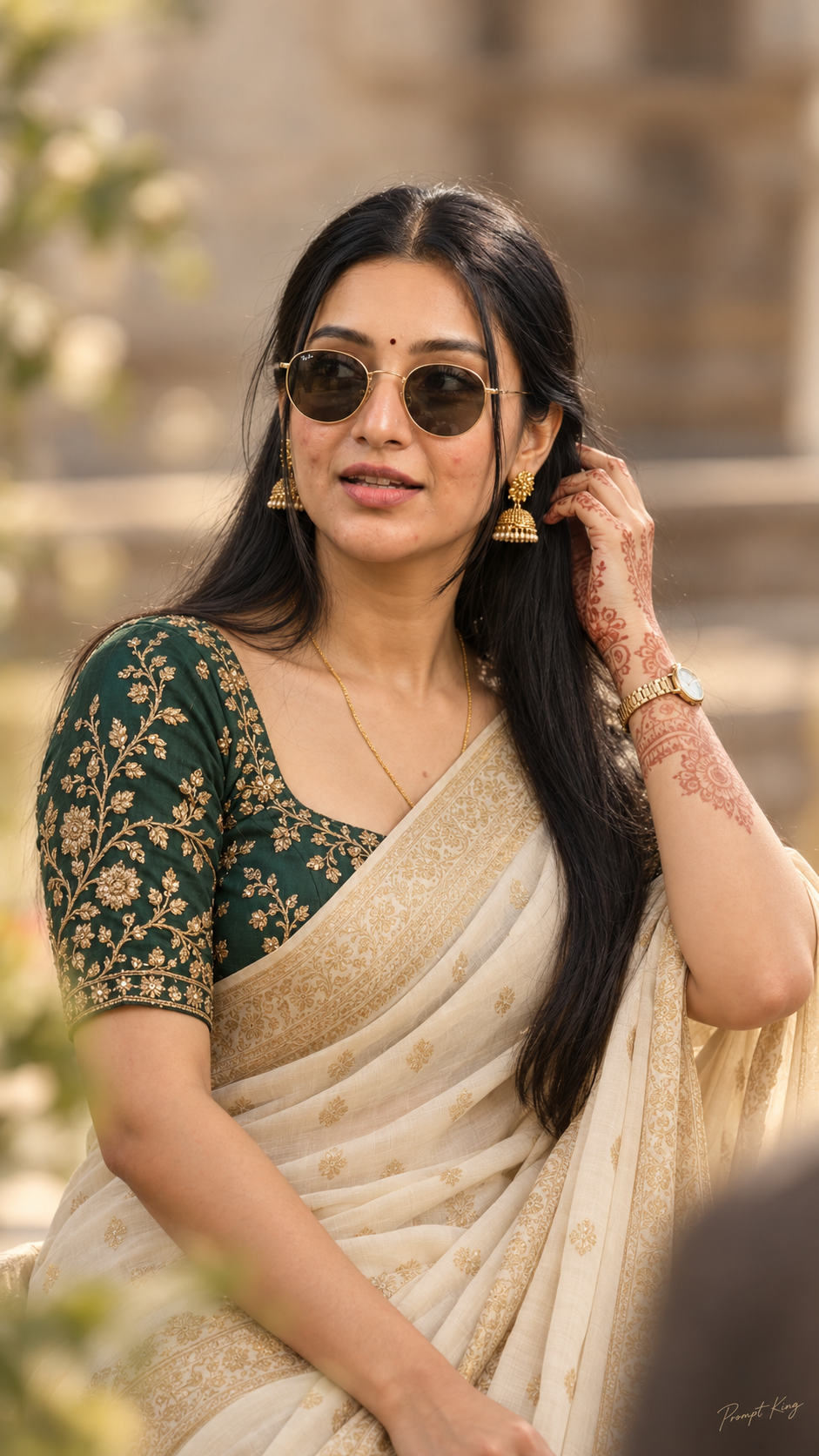
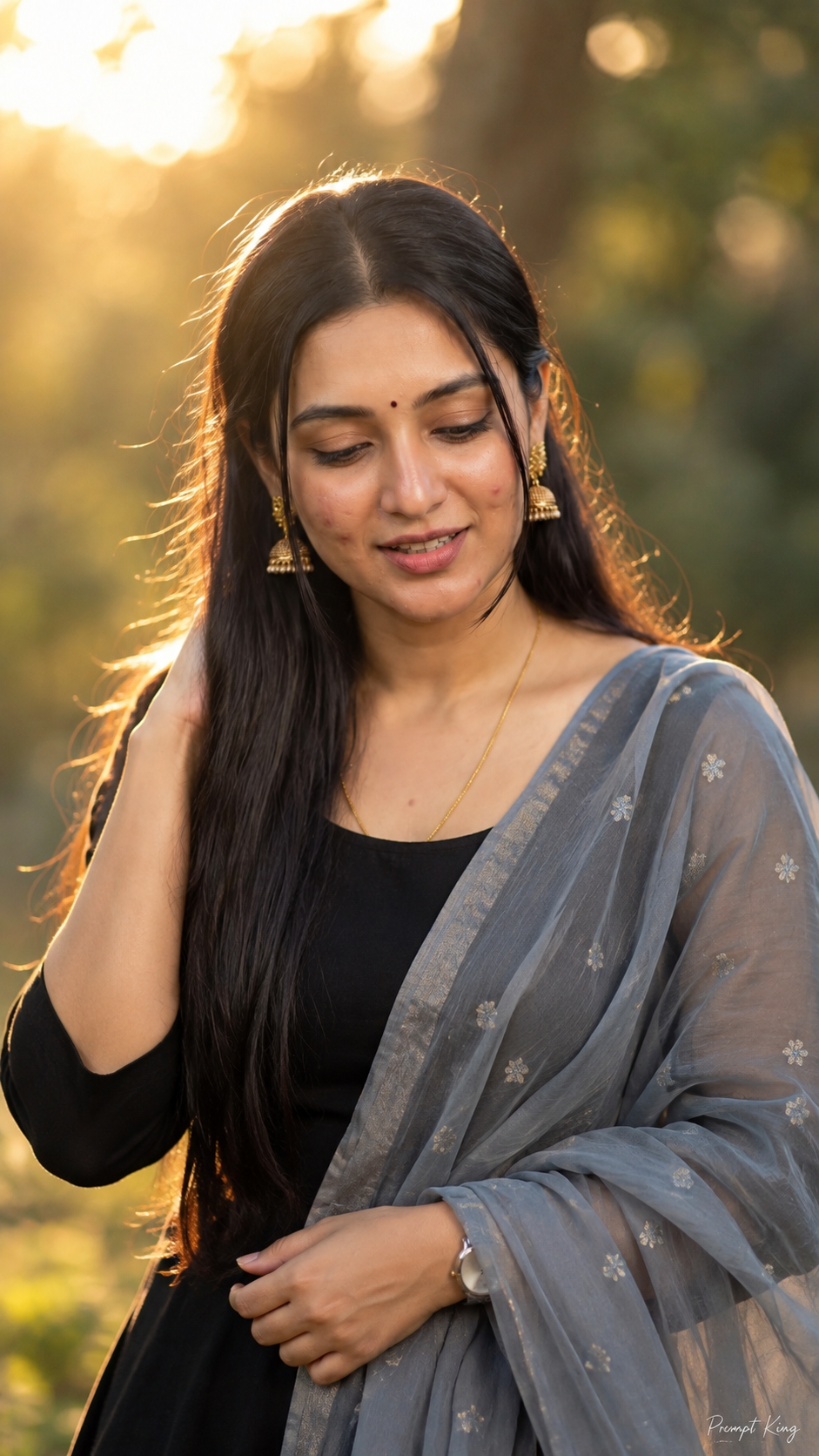
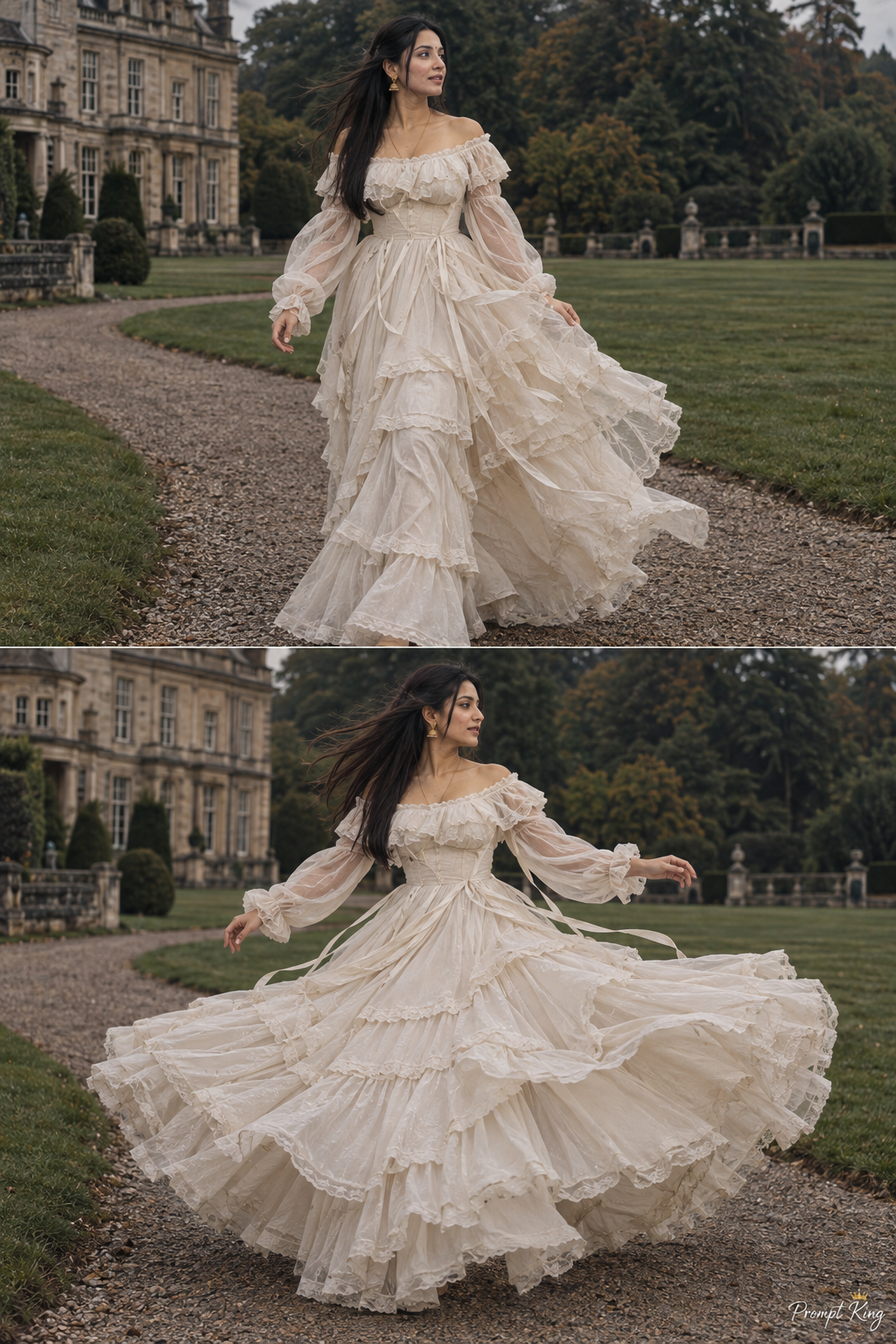
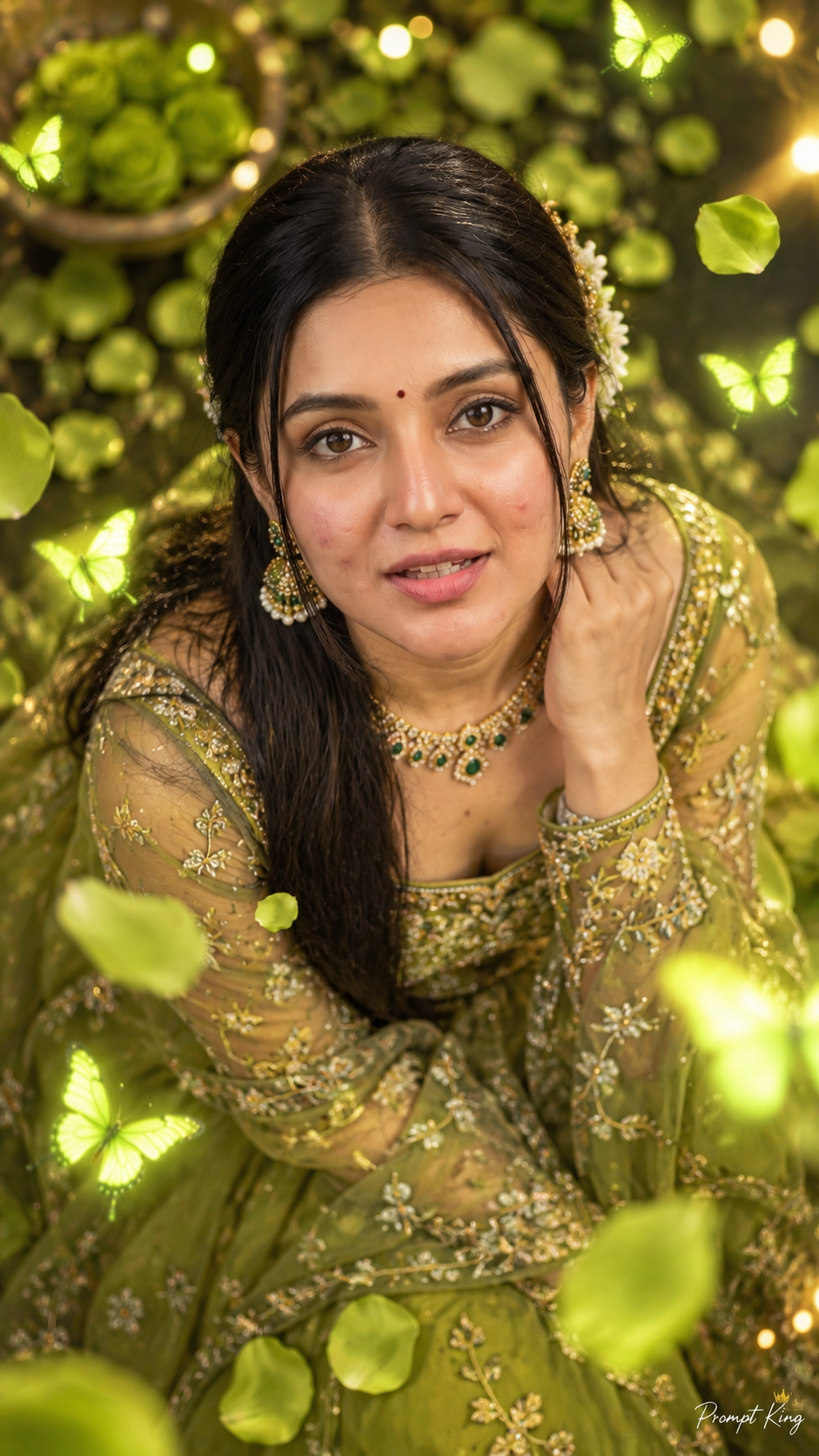
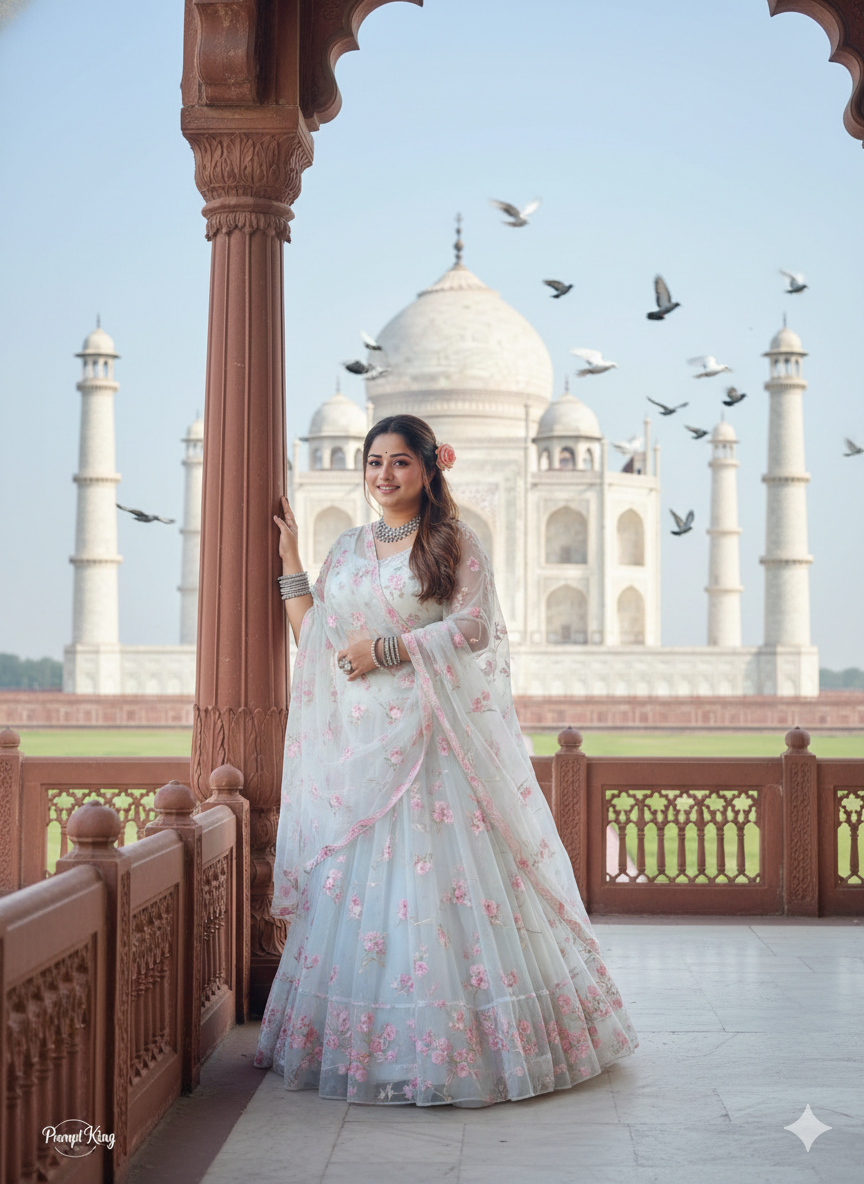
This prompt creates a hyper-realistic 9:16 portrait of a woman leaning against a pillar on a palace balcony, with the Taj Mahal visible in the background and many pigeons flying across the sky. She wears a soft white-blue, flowing sheer lehenga with delicate soft pink floral embroidery, bangles on both hands and a necklace. Her hair is combed to one side with a light curl and a small rose tucked in. The framing is vertical, showing the balcony architecture, the pillar and the monument in one view, which gives a royal, romantic travel feel. The prompt asks for the face to stay exactly as in your uploaded photo, so it is designed for personal portraits. The mood is calm and graceful, with the pigeons adding movement and life to the sky. It suits travel lovers, anyone planning or remembering a trip to Agra, women who enjoy pastel ethnic outfits, and those looking for an elegant profile picture, a birthday post or an anniversary-themed portrait in a heritage setting.
Lighting, colour and composition
Soft daylight gives the white marble a gentle glow and keeps the pastel lehenga clear. The palette is ivory, powder blue and blush pink with a pale sky. The subject leans on a pillar in the foreground, framed by palace arches, with the monument centred behind.
Ways to make it your own
- Ask for sunrise light to give the marble a warm pink and orange tint.
- Change the lehenga to a deep red or emerald for a more festive look.
- Use a 4:5 crop if you want to post the image in the Instagram feed.
Best for
Girls photo ideas and creative portrait inspiration.
Suggested framing
Use 9:16 portrait framing as described in the prompt, or adapt to 4:5 for feed posts.
Customization ideas
Adjust the clothing, background, lighting, colors and composition to match your own idea.
How to use
Copy the prompt, adapt it to your idea, and paste it into your preferred compatible AI tool. Follow that tool’s instructions for reference photos.
A few helpful answers.
What type of image does this prompt create?
In a compatible AI tool, this prompt is intended as a starting point for this prompt creates a hyper-realistic 9:16 portrait of a woman leaning against a pillar on a palace balcony, with the Taj Mahal visible in the background and many pigeons flying across the sky. She wears a soft white-blue, flowing sheer lehenga with delicate soft pink floral embroidery, bangles on both hands and a necklace. Her hair is combed to one side with a light curl and a small rose tucked in. The framing is vertical, showing the balcony architecture, the pillar and the monument in one view, which gives a royal, romantic travel feel. The prompt asks for the face to stay exactly as in your uploaded photo, so it is designed for personal portraits. The mood is calm and graceful, with the pigeons adding movement and life to the sky. It suits travel lovers, anyone planning or remembering a trip to Agra, women who enjoy pastel ethnic outfits, and those looking for an elegant profile picture, a birthday post or an anniversary-themed portrait in a heritage setting. Results depend on the tool, settings and references you use.
Can I customize the clothing or background?
Yes. Replace the clothing, setting or colors in the prompt with your own choices. Keep descriptions consistent and adjust one detail at a time.
What aspect ratio works best?
Start with Use 9:16 portrait framing as described in the prompt, or adapt to 4:5 for feed posts.. A 4:5 ratio works well for a portrait feed post. Adjust the crop for your intended platform and your tool’s available settings.
Does Prompt King generate the image?
No. Prompt King helps users discover and copy prompts that can be used with compatible AI tools.
Can I use this for social media ideas?
Yes. Use it as creative inspiration and customize the result for your audience. Use photos you have permission to upload, and check your chosen tool’s terms before publishing.