Back-to-Back Vintage Gunfight Movie Poster
About this prompt
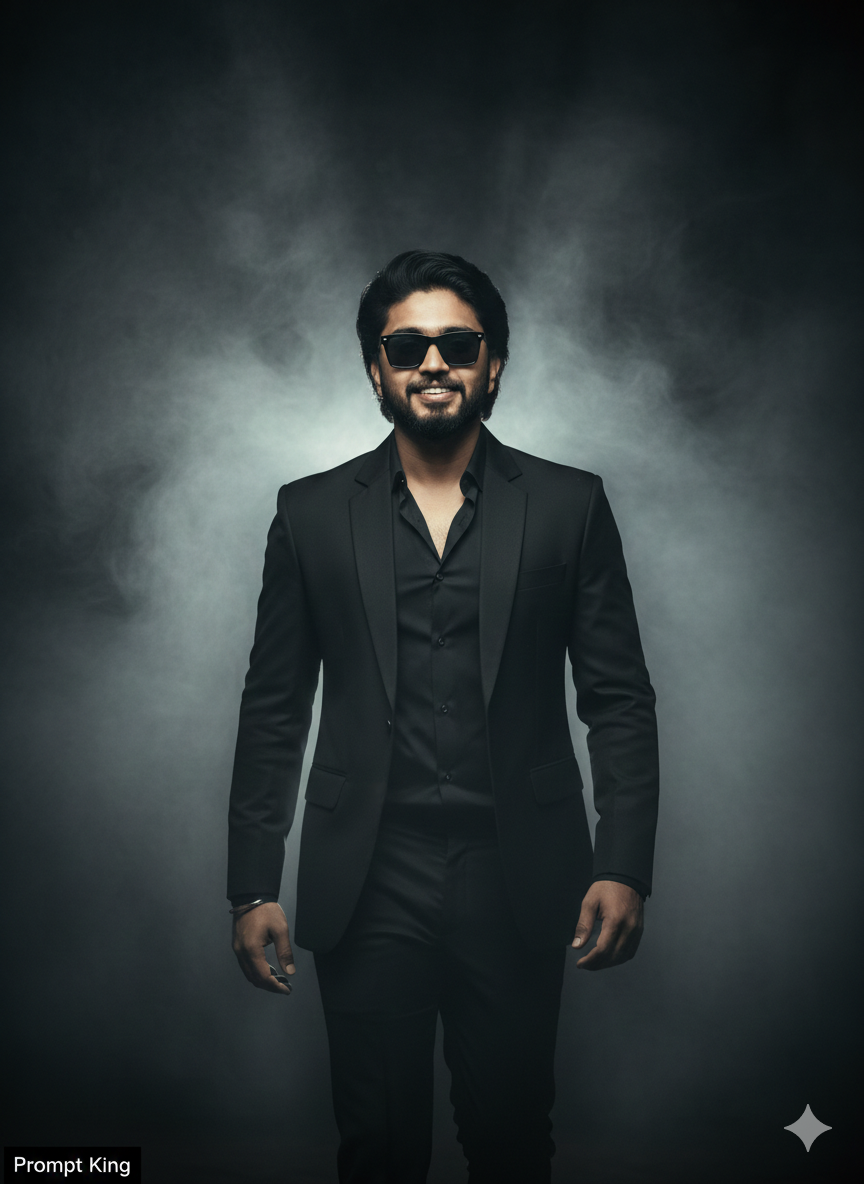
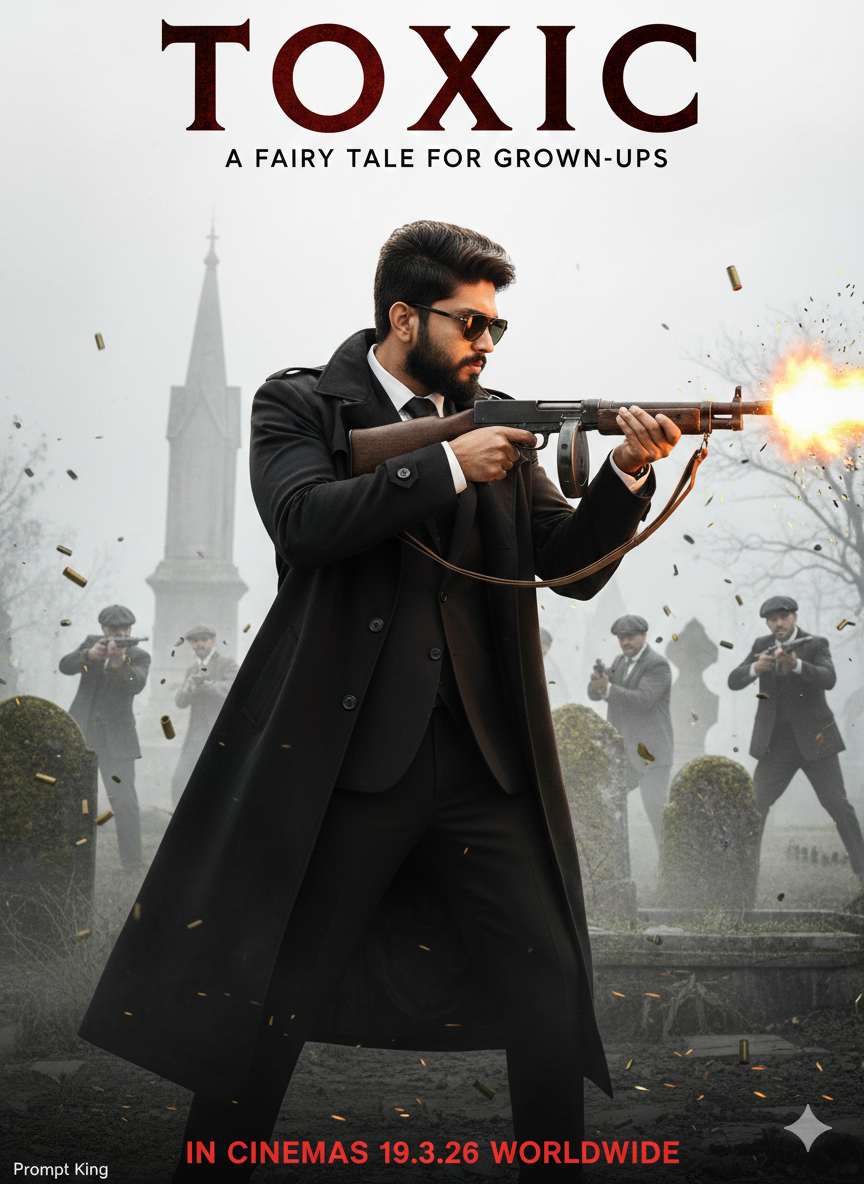
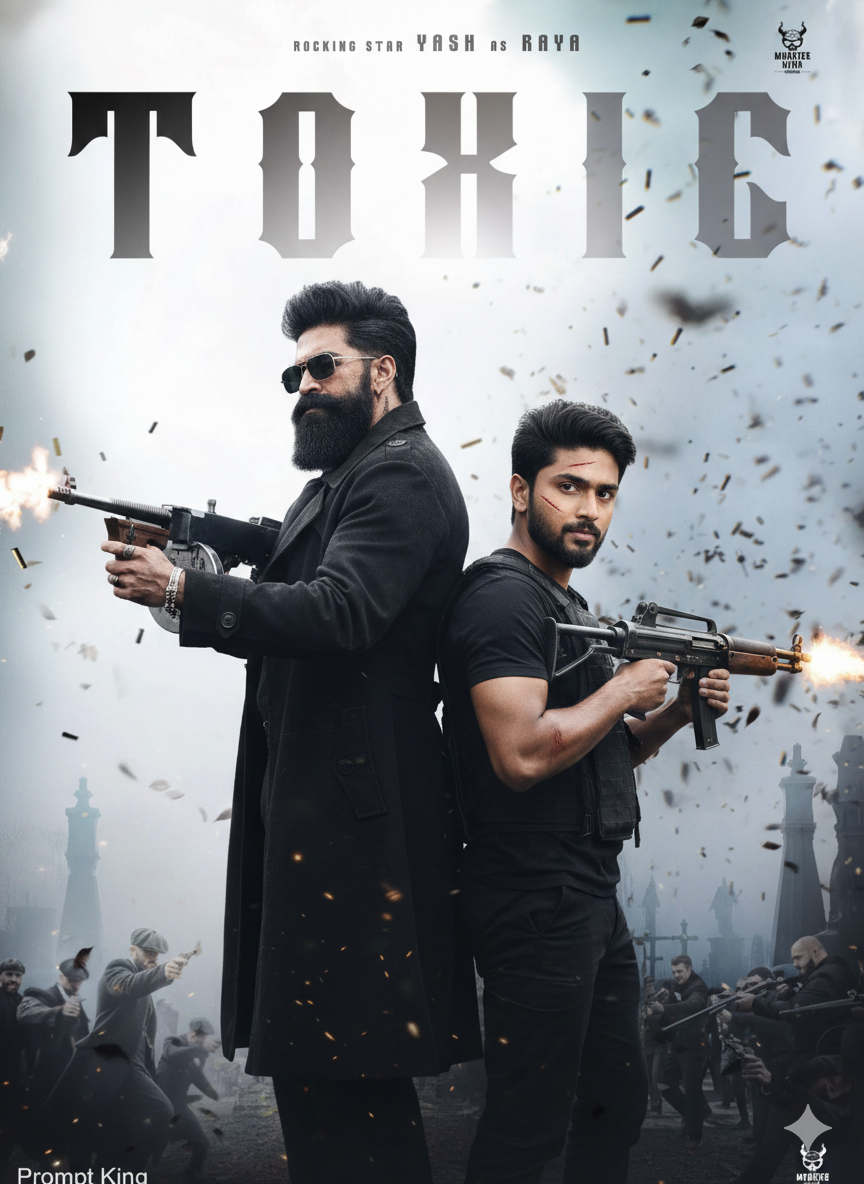
This prompt creates a cinematic action poster using your reference photo, keeping your hairstyle, sharp eyebrows, trimmed beard and confident expression. The scene shows two men standing back to back in an intense shootout. One is rugged, with a thick beard, pompadour hairstyle and aviator sunglasses, firing a vintage Thompson gun. The other is a young South Asian man with facial scars firing a compact submachine gun. Flying shell casings and debris fill the air, and the image has high contrast and a gritty action feel. The original prompt places the title of a specific upcoming film in the background and imitates that film's promotional style, so it is best treated as a fan-art idea and adapted with your own title. Because it centres on firearms and violent action, it is suited only to audiences comfortable with that theme. With an original title and less focus on weapons, the back-to-back layout can work as a buddy-film style poster for two friends, a birthday edit or a creative portfolio piece.
Lighting, colour and composition
High-contrast lighting with muzzle flash highlights creates sharp bright spots against a dark, dusty background. The palette is muted browns, greys and black with orange flashes. A symmetrical back-to-back composition places both figures centrally, giving the poster balance and tension.
Ways to make it your own
- Replace the weapons with vintage cameras or umbrellas for a playful, non-violent version.
- Use your own film title in bold letters at the top for an original poster.
- Put a friend's photo as the second figure for a buddy-style poster.
Best for
Poster photo ideas and creative portrait inspiration.
Suggested framing
Use 9:16 portrait framing as described in the prompt, or adapt to 4:5 for feed posts.
Customization ideas
Adjust the clothing, background, lighting, colors and composition to match your own idea.
How to use
Copy the prompt, adapt it to your idea, and paste it into your preferred compatible AI tool. Follow that tool’s instructions for reference photos.
A few helpful answers.
What type of image does this prompt create?
In a compatible AI tool, this prompt is intended as a starting point for this prompt creates a cinematic action poster using your reference photo, keeping your hairstyle, sharp eyebrows, trimmed beard and confident expression. The scene shows two men standing back to back in an intense shootout. One is rugged, with a thick beard, pompadour hairstyle and aviator sunglasses, firing a vintage Thompson gun. The other is a young South Asian man with facial scars firing a compact submachine gun. Flying shell casings and debris fill the air, and the image has high contrast and a gritty action feel. The original prompt places the title of a specific upcoming film in the background and imitates that film's promotional style, so it is best treated as a fan-art idea and adapted with your own title. Because it centres on firearms and violent action, it is suited only to audiences comfortable with that theme. With an original title and less focus on weapons, the back-to-back layout can work as a buddy-film style poster for two friends, a birthday edit or a creative portfolio piece. Results depend on the tool, settings and references you use.
Can I customize the clothing or background?
Yes. Replace the clothing, setting or colors in the prompt with your own choices. Keep descriptions consistent and adjust one detail at a time.
What aspect ratio works best?
Start with Use 9:16 portrait framing as described in the prompt, or adapt to 4:5 for feed posts.. A 4:5 ratio works well for a portrait feed post. Adjust the crop for your intended platform and your tool’s available settings.
Does Prompt King generate the image?
No. Prompt King helps users discover and copy prompts that can be used with compatible AI tools.
Can I use this for social media ideas?
Yes. Use it as creative inspiration and customize the result for your audience. Use photos you have permission to upload, and check your chosen tool’s terms before publishing.